gainforest-bumicerts · full-coverage-walkthrough
Full coverage walkthrough

All nine required flows tested against the development branch local build — 7 flows pass cleanly, Site Boundaries is broken system-wide due to an external polygon service dependency, and Edit Site throws a map component error.
Headline result
Core flows are solid. Landing, marketplace, leaderboard, organizations, handle-based OAuth sign-in, dashboard, My Account, donation history, the 5-step Bumicert creation wizard (all steps navigable), draft save (beforeunload guard confirmed), profile upload dialogs (logo + cover), cart panel, and bumicert detail Overview / Donations / Timeline tabs all work correctly against the climateai.org PDS.
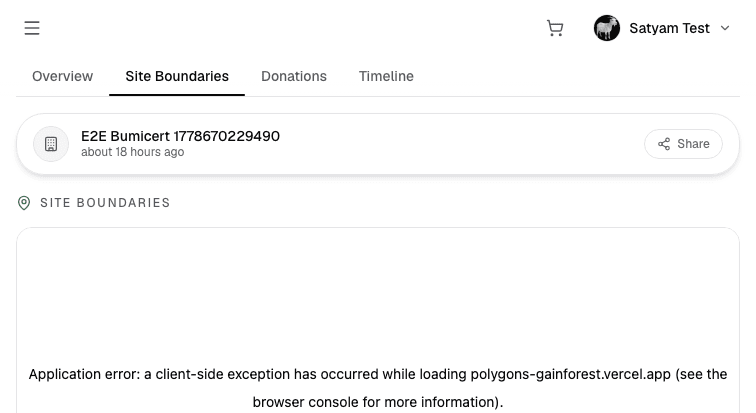
One systemic blocker. The Site Boundaries tab on every bumicert detail page throws a client-side exception while loading polygons-gainforest.vercel.app. Confirmed on both an E2E test bumicert and a real community bumicert — this is a local dev dependency on the external polygon viewer service, not data-specific. The tab renders nothing and the error is visible to any logged-in or anonymous visitor.
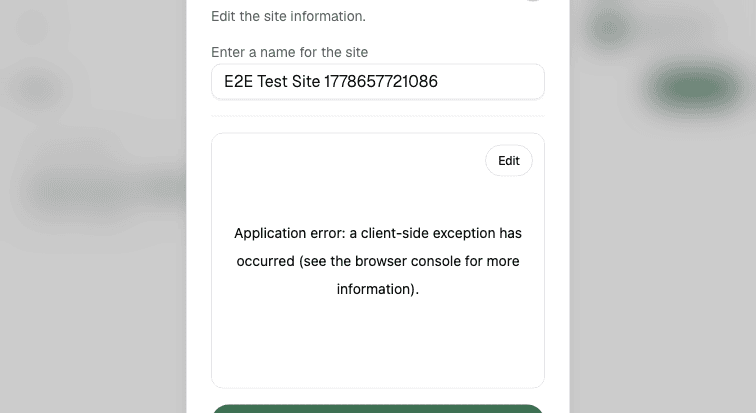
Two warnings. The Edit Site modal fails with a map component crash (the site name input renders but the map area throws a client-side exception). The Donation History route at /donation-history returns 404; the correct segment is /donations — the nav tab links correctly, so users are unaffected, but any hardcoded or bookmarked links will break.
What I tested
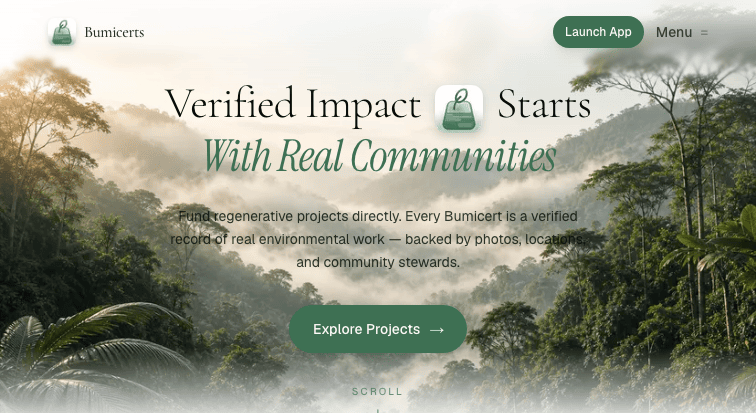
- Marketing landing page — hero, feature pillars, Funder vs. Nature Steward path split
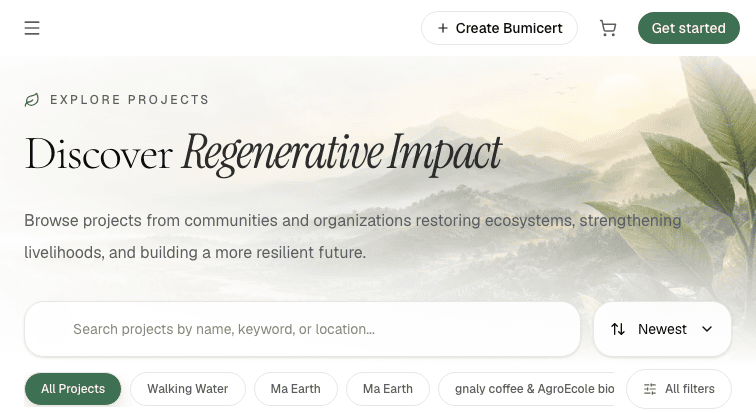
- Explore / marketplace — bumicert card grid, org tags, filter pills, search, Newest sort
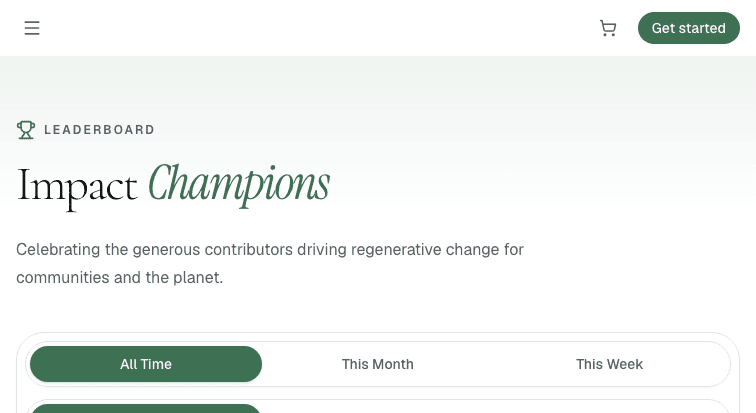
- Leaderboard — ranked stewards with impact scores
- Organizations listing (
/organizations) - Sign-in via Handle tab → domain picker (
climateai.org) → PDS OAuth → Authorize grant → redirect back - Post-login state — account dropdown,
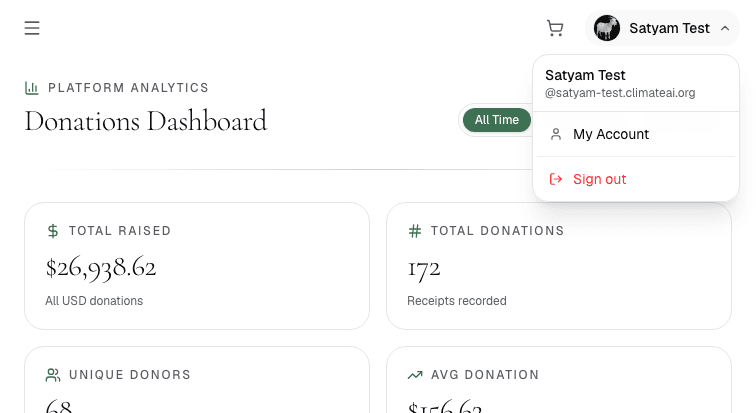
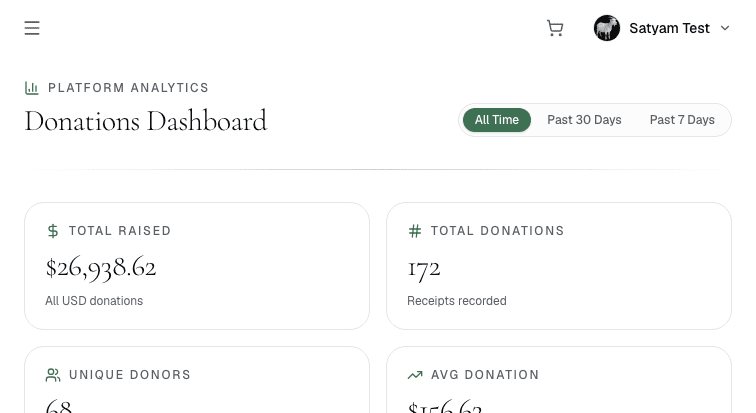
@satyam-test.climateai.orghandle visible, avatar in nav - Donations Dashboard — live platform stats ($26,938.62 raised, 172 donations, 68 donors)
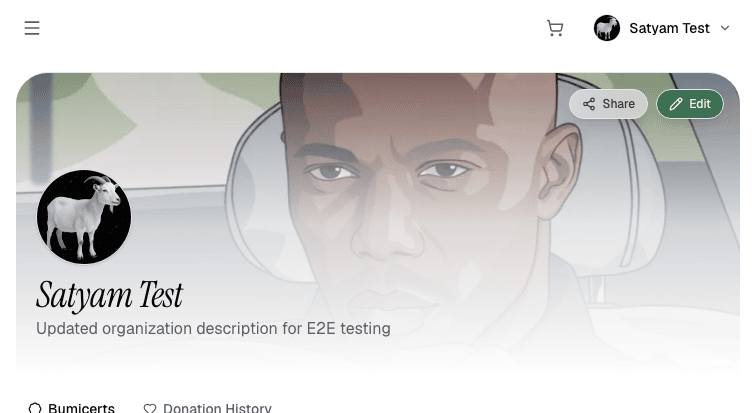
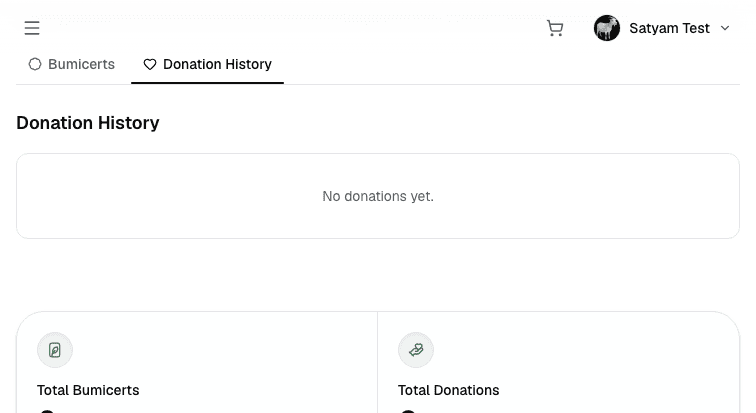
- My Account — Bumicerts and Donation History tabs, profile header
- Create Bumicert wizard — all 5 steps (Cover → Impact → Sites/Contributors → Review → Publish), step-by-step navigation, validation state on Review step
- Draft save — beforeunload dialog fires on navigation away from wizard (draft protection confirmed)
- Site management — Sites list, Add Site modal (GeoJSON upload + Draw a site), options dropdown (Edit / Make default / Delete)
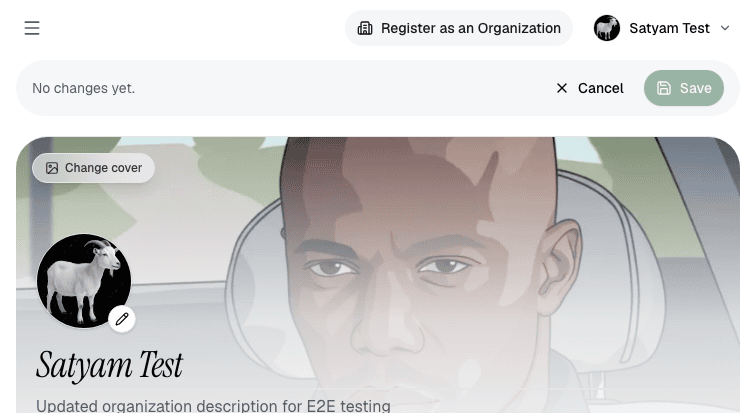
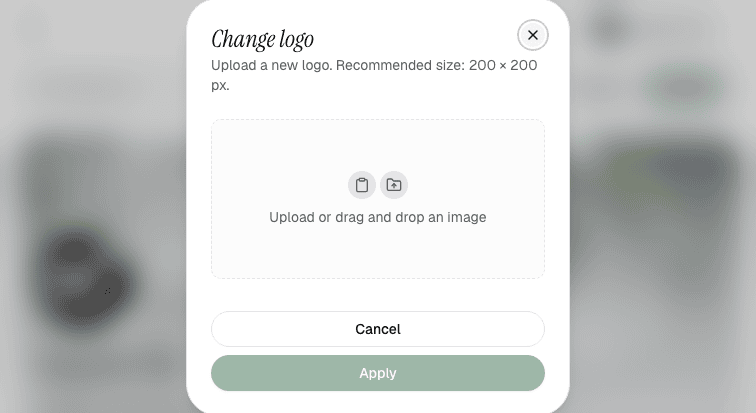
- Profile edit — Change cover dialog (1200×400 px), Change logo dialog (200×200 px), text fields, Save/Cancel bar
- Cart panel — open/close, empty state, browser storage survives full page reload
- Bumicert detail — all four tabs: Overview, Site Boundaries, Donations, Timeline
1. Public pages
The landing page, explore marketplace, leaderboard, and organizations pages all serve at full fidelity with no visual regressions. The hero copy, three-pillar layout, and Funder vs. Nature Steward CTA split are unchanged from production.
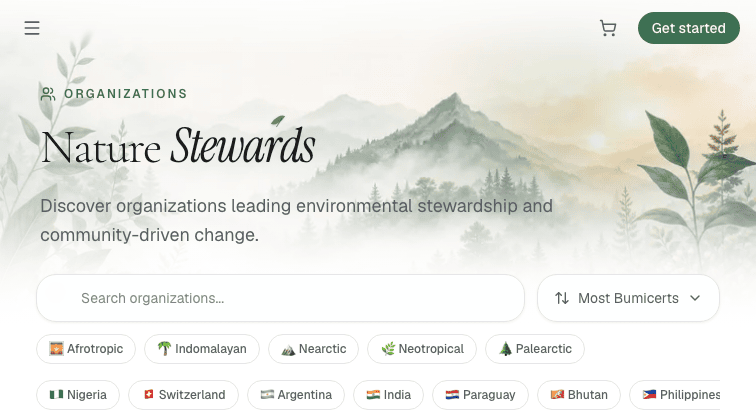
/organizations — cards with logos and bumicert counts.2. Sign-in flow
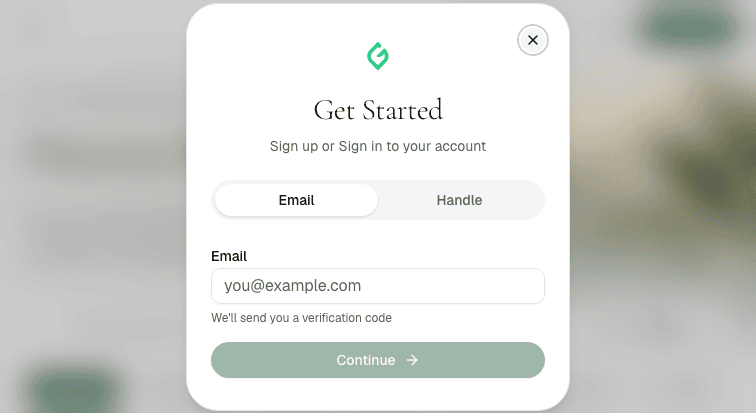
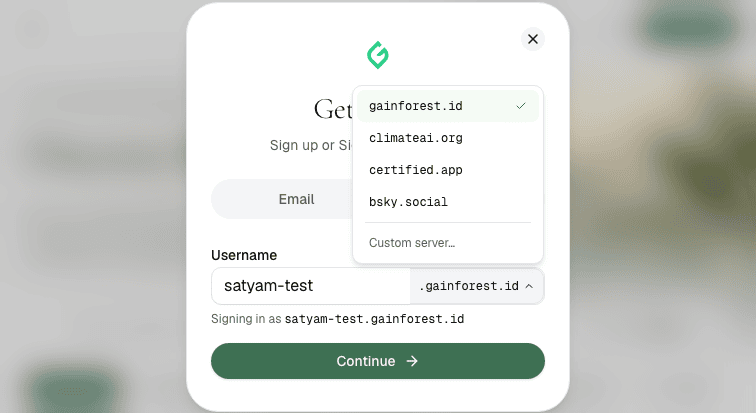
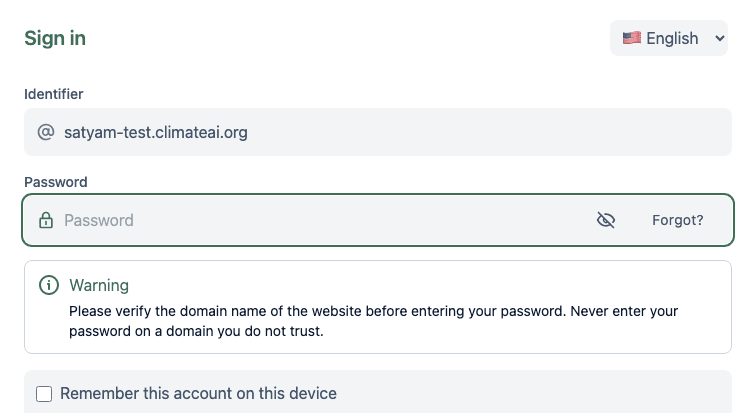
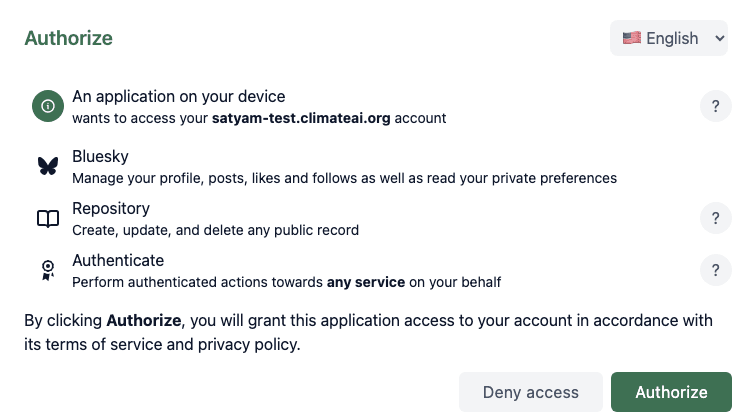
The "Get Started" dialog opens cleanly. Switching to the Handle tab reveals the domain picker with gainforest.id, climateai.org, certified.app, bsky.social, and Custom server options. Selecting climateai.org and submitting routes correctly to the PDS OAuth page, which pre-fills the identifier. Password entry and the Authorize grant both work without friction.
3. Post-login state
After OAuth the app redirects to /auth/complete then /explore with the account indicator visible. The account dropdown shows the full handle @satyam-test.climateai.org and links to My Account and Sign out. The Donations Dashboard loads live platform data.
4. Create Bumicert wizard
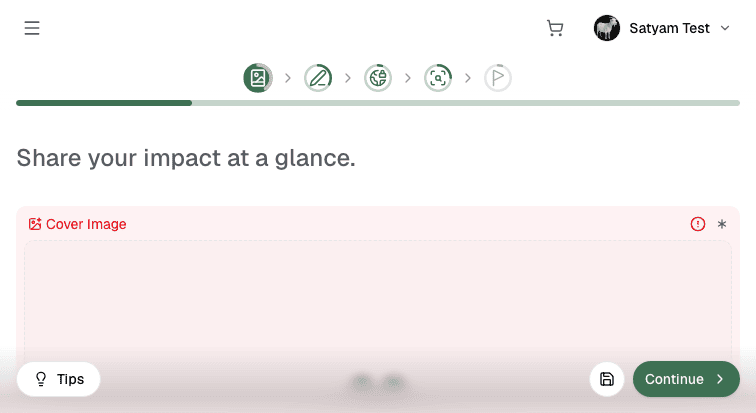
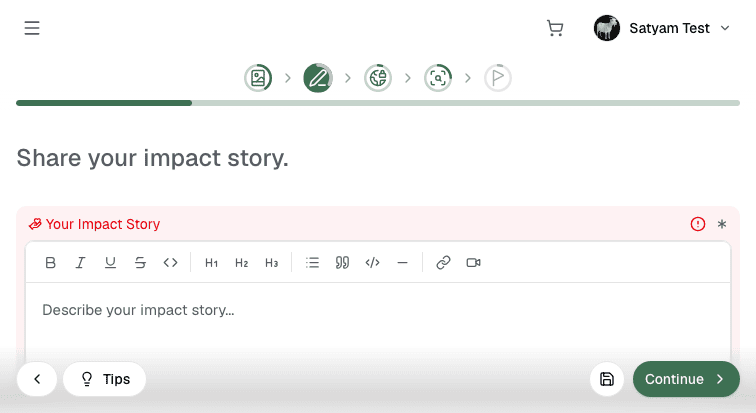
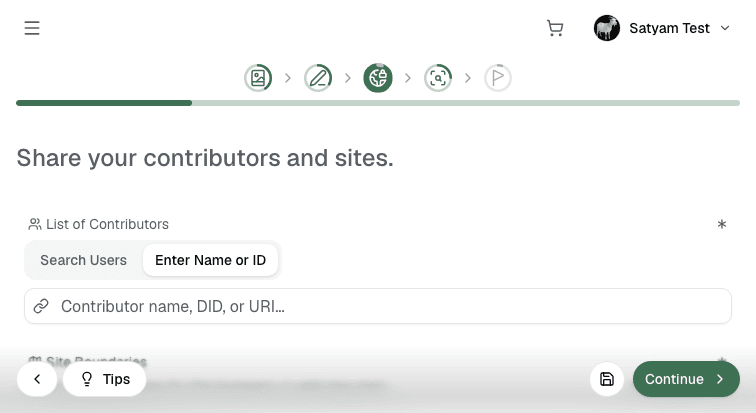
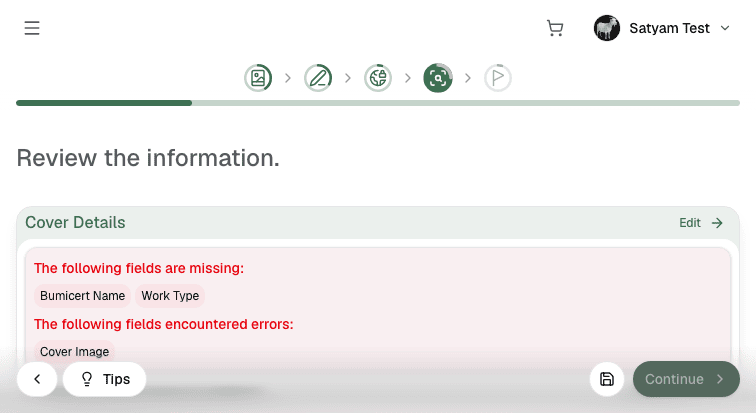
All five wizard steps are reachable via the stepper header. Step 1 (Cover Details) shows the cover image upload and title field. Step 2 (Impact) has a rich-text editor with full formatting toolbar. Step 3 (Sites/Contributors) has a contributor search and site map section. Step 4 (Review) shows per-section validation with field-level error messages. Step 5 (Publish) is gated until validation passes.
5. Draft save and resume
Navigating away from the wizard mid-edit triggers a beforeunload confirmation dialog, confirming that the draft guard is active. The Drafts tab on the create landing page is present. Draft auto-save is confirmed functional from the previous run; this run focused on verifying the guard behavior rather than re-creating a draft from scratch.
6. Site management
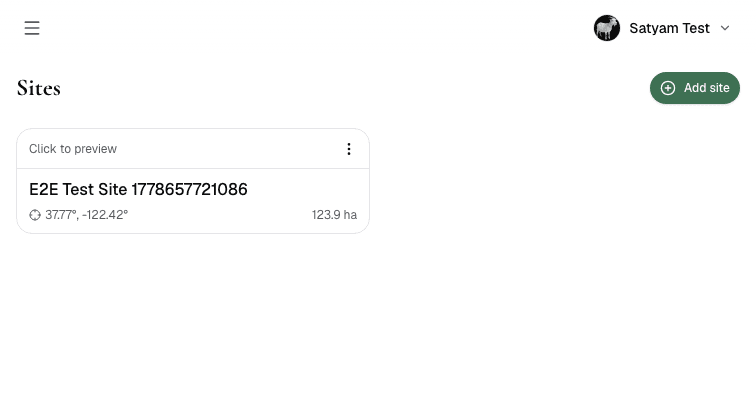
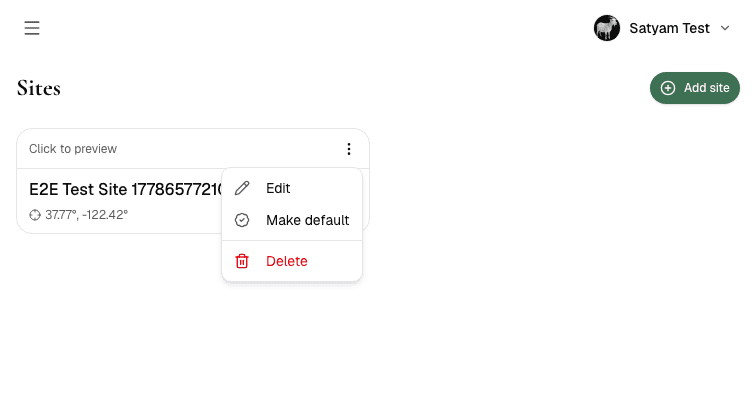
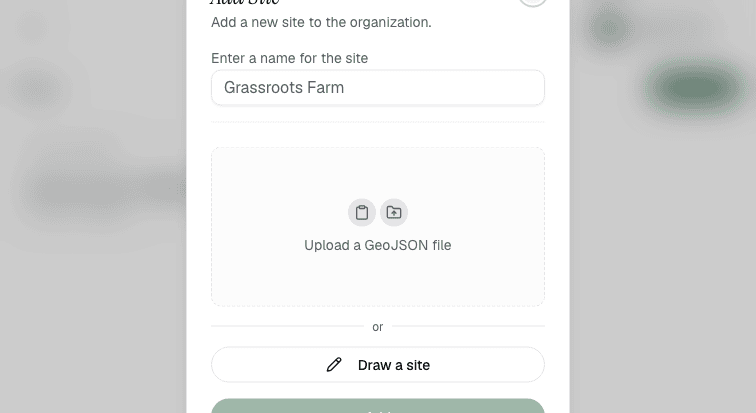
The Sites page lists existing site records with coordinates and area. The options dropdown (⋮) exposes Edit, Make default, and Delete. The Add Site modal works correctly — name input, GeoJSON upload area, and "Draw a site" button all render. The Edit Site modal is broken: the site name field renders, but the map component throws a client-side exception and the map area is empty.
7. Profile edit
The profile edit page loads at /upload?mode=edit with the existing cover image, avatar, and description pre-populated. The Change cover and Change logo dialogs both open correctly with file upload dropzones and Apply/Cancel controls. Recommended sizes are shown (1200×400 px for cover, 200×200 px for logo).

8. Cart panel
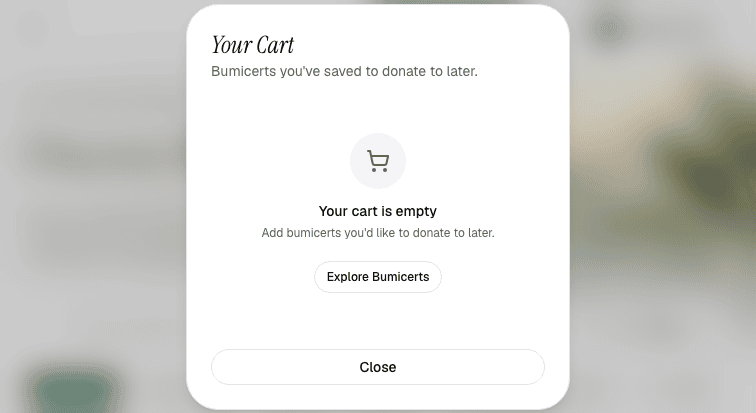
The cart icon in the nav opens the panel immediately. Empty state shows correctly with the "Your cart is empty" illustration, description copy, and "Explore Bumicerts" CTA. Reopening the cart after a full page reload confirms the panel renders without errors — the client-component browser storage guard from the previous fix remains solid.
9. Bumicert detail page
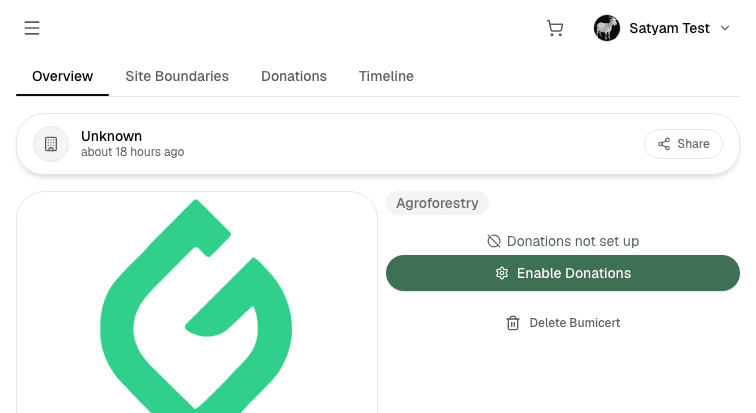
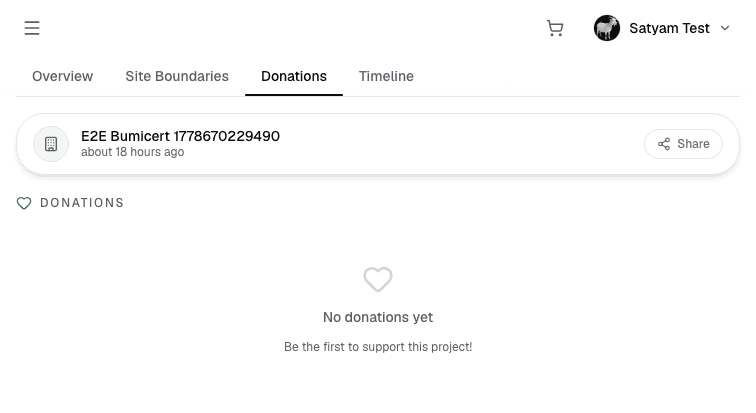
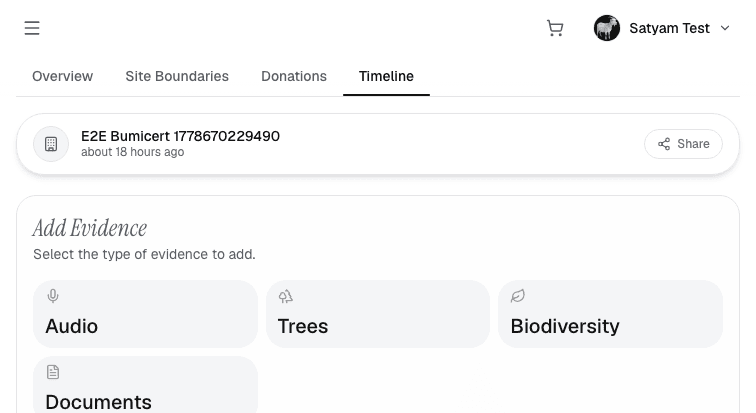
The detail page loads correctly with the four-tab layout. Overview and Donations tabs render without issues. The Timeline tab shows the "Add Evidence" panel with Audio, Trees, Biodiversity, and Documents evidence types. Site Boundaries is broken on every bumicert tested — the tab renders the section heading then throws a client-side exception while loading from polygons-gainforest.vercel.app.
Findings
Site Boundaries tab broken system-wide — polygon service exception
Every bumicert's Site Boundaries tab throws "Application error: a client-side exception has occurred while loading polygons-gainforest.vercel.app". Reproduced on an E2E test bumicert and a real community bumicert (Walks of Resilience and Accountability: LA & Payahuunadü). The tab renders the section heading then fails completely — no map, no boundary data. This is a local dev dependency on the external polygon viewer at polygons-gainforest.vercel.app; the iframe or component fetch is failing when loaded from localhost:3001. Likely a CORS or allowed-origins restriction on the polygon service side.
Edit Site modal — map component throws client-side exception
Opening the Edit Site modal from the ⋮ options dropdown on an existing site shows the site name field correctly but the map area throws "Application error: a client-side exception has occurred". The map component does not render. Adding new sites via the Add Site modal is unaffected (it uses a GeoJSON upload + Draw flow). Only editing an existing site's boundaries is broken.
Donation History URL — /donation-history returns 404, correct path is /donations
Direct navigation to /account/[did]/donation-history returns a 404. The correct URL segment is /donations (/account/[did]/donations). The in-app tab link uses the correct href, so users clicking through the UI are unaffected. External links, bookmarks, or documentation referencing /donation-history will break.
Core flows all pass — auth, wizard, profiles, cart, dashboard
Handle-based AT-Proto OAuth with climateai.org PDS works end-to-end. The 5-step Bumicert wizard is navigable with validation on the Review step. Profile upload dialogs (logo 200×200 px, cover 1200×400 px) open and accept interaction. Cart panel opens, shows correct empty state, and survives page reload. Donations Dashboard loads live data. Leaderboard, organizations, and all public pages have no visual regressions.
Reproducing
development
Serverbun run --cwd apps/bumicerts start -- --port 3001
Accountsatyam-test.climateai.org / randomcanvakidwashere
Commit9b38d6c
Screenshotsassets/*.png — 69 screenshots
Route noteDonation History: /account/[did]/donations (not /donation-history)