gainforest-bumicerts · full-flow-audit
Bumicerts Full Flow Audit

Tested public pages, sign-in, post-login state, and the full 5-step Create Bumicert wizard against the local dev build — 3 flows pass cleanly, the wizard completes through Review but publish is blocked by a Node.js version incompatibility in the PDS blob upload path.
Headline result
Summary. All public-facing pages (landing, explore, leaderboard, organizations) render correctly. The AT-Proto OAuth sign-in flow works end-to-end — handle resolution, domain selection, PDS password entry, and consent — and lands back on the explore page with the account indicator showing. Post-login views (My Account, Donation History) load cleanly. The Create Bumicert wizard progresses through all 5 steps — Cover, Impact, Contributors & Sites, Review, Publish — but the final publish action fails with PDS blob upload failed: expected non-null body source, a known incompatibility between the current Node.js version and the undici fetch body handling for file blobs. Flows 5–9 (draft save, site management, profile edit, cart, bumicert detail) were not reached this run.
What I tested
- Flow 1 — Public pages: landing hero, explore marketplace, leaderboard, organizations (
/organizations) - Flow 2 — Sign-in: full AT-Proto OAuth flow via
satyam-test.climateai.org - Flow 3 — Post-login state: account indicator, My Account profile, Donation History tab
- Flow 4 — Create Bumicert wizard (Steps 1–5): cover image, title, impact story, short description, category, contributor, site attachment, permissions, review, publish attempt
1. Public pages pass
All four public routes render without error. The landing hero loads the misty forest background with the "Verified Impact Starts With Real Communities" headline. Explore shows the marketplace filter bar with project category chips. Leaderboard renders the "Impact Champions" heading with All Time / This Month / This Week tabs. Organizations loads the "Nature Stewards" grid with regional filters. No 404s, no console errors observed.
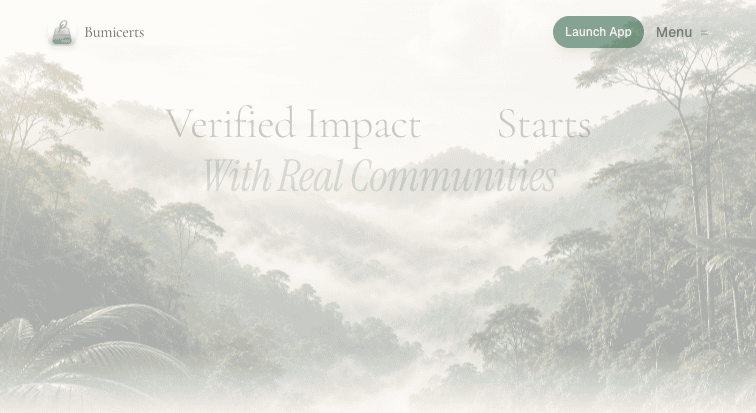
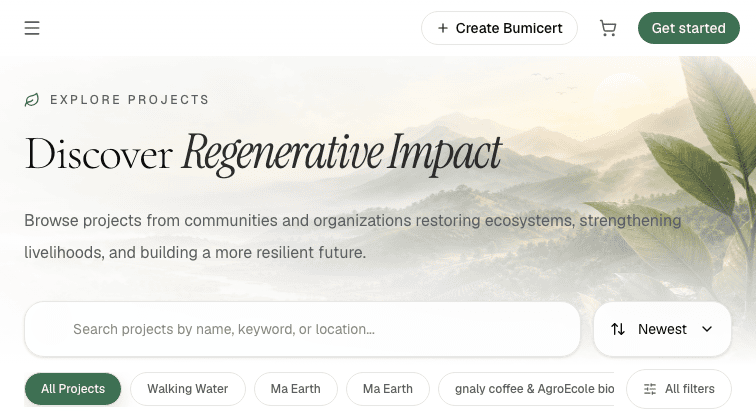
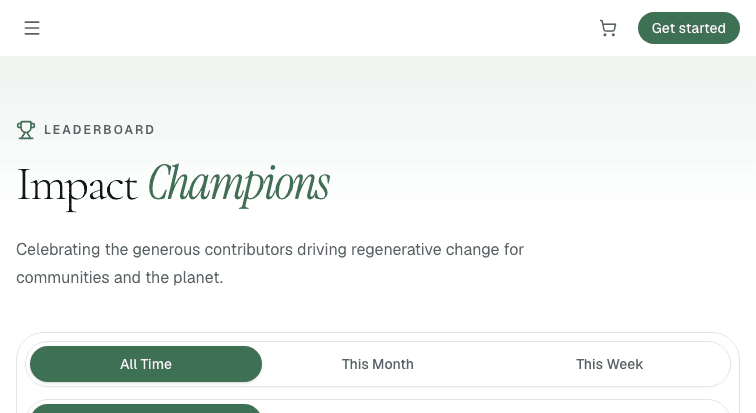
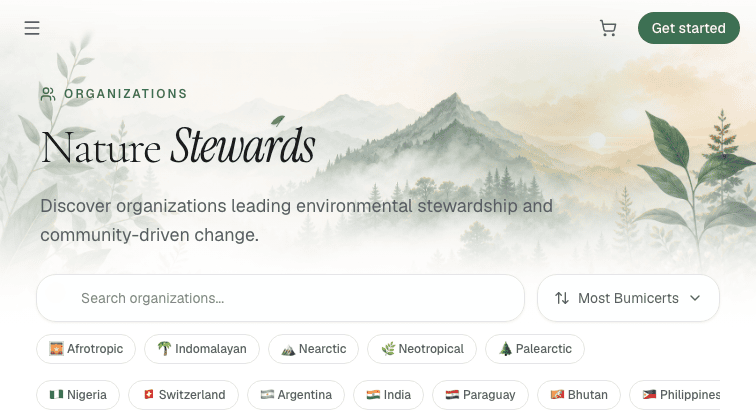
/organizations) — "Nature Stewards" grid with regional filters. Route is correct; /explore/organizations 404s.2. Sign-in — OAuth flow pass
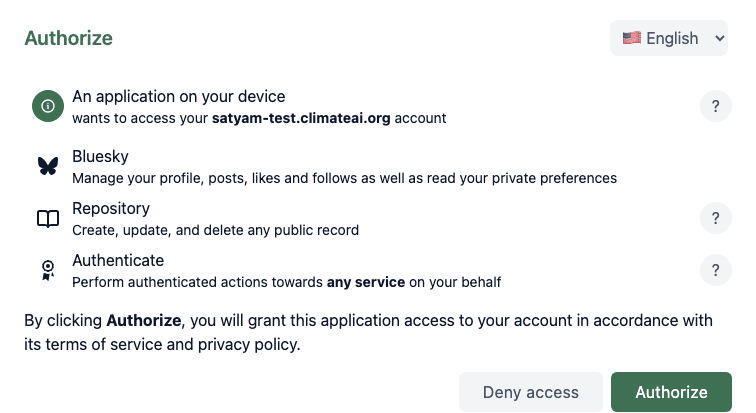
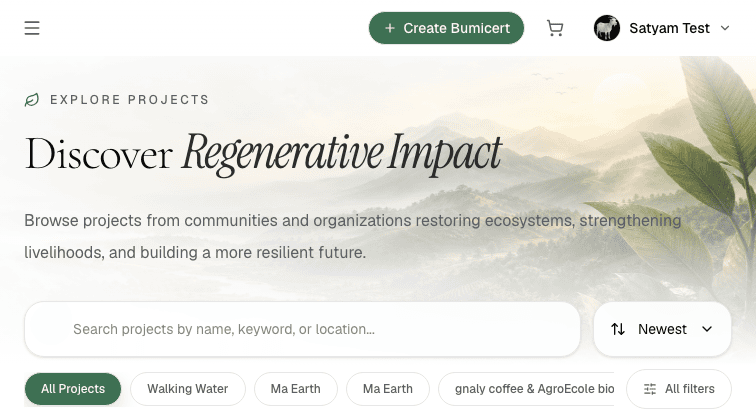
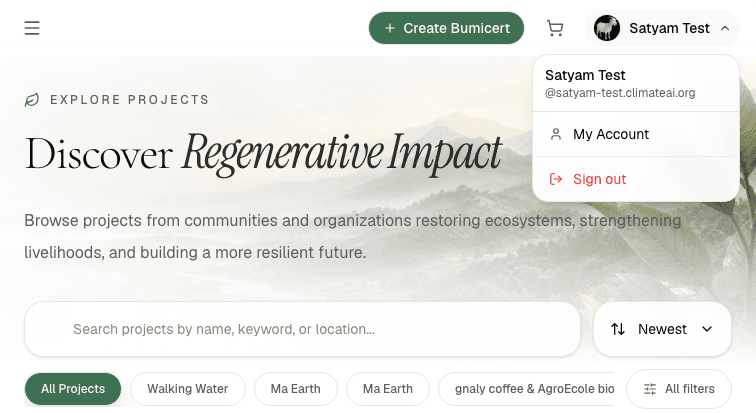
Clicking "Get Started" on the explore page opens the sign-in modal. Selecting the Handle tab and typing satyam-test, then choosing climateai.org from the domain dropdown, shows "Signing in as satyam-test.climateai.org". Clicking Continue redirects to the PDS OAuth page in the current tab, where the handle is pre-filled. Entering the password and clicking Sign in advances to the Authorize consent screen. Clicking Authorize redirects back to the app; the explore page loads with "Satyam Test" visible in the top-right account indicator.
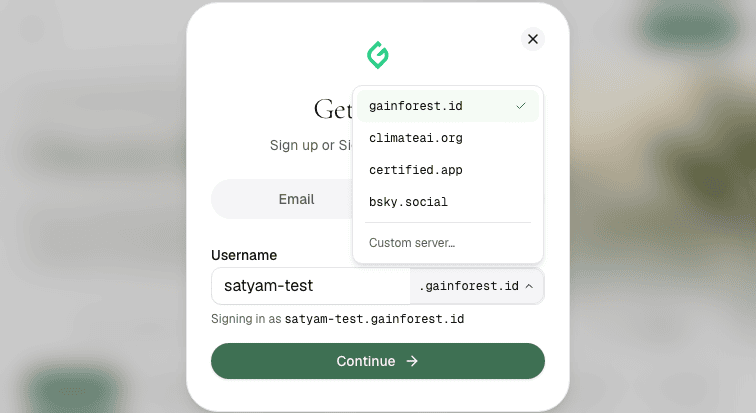
climateai.org visible below the default gainforest.id.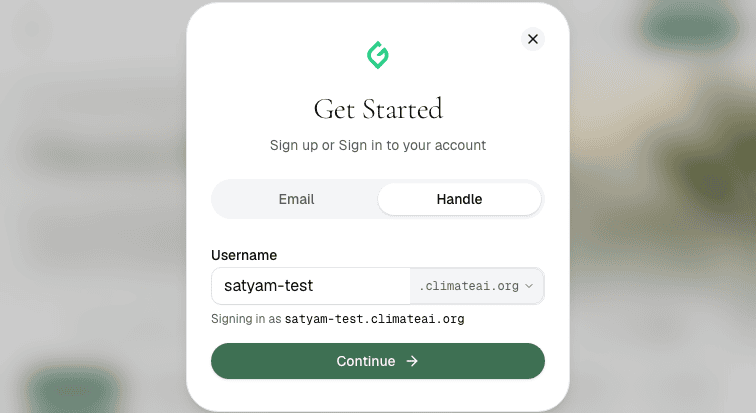
Warning · OAuth opens in the current tab, not a new tab
The guide documented OAuth as opening a new tab that must be detected with list_tabs(). In this run the PDS authorization URL loaded in the existing tab (the tab ID changed but no new tab was created). The flow still completed correctly, but the documented new-tab detection pattern did not apply. Worth confirming whether this changed between builds or is environment-specific.
3. Post-login state pass
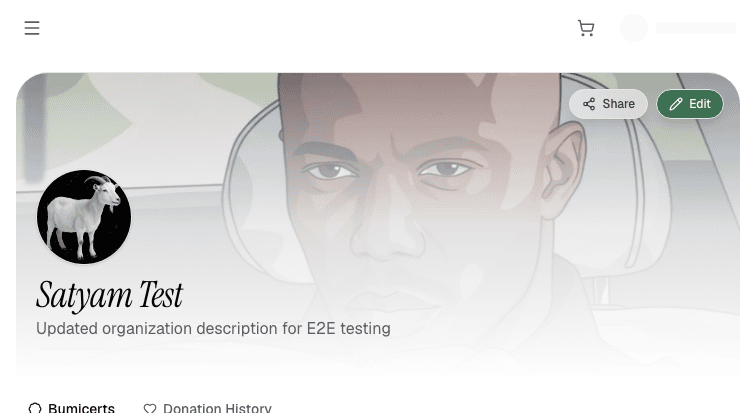
After sign-in the account dropdown shows "Satyam Test / @satyam-test.climateai.org" with a My Account link. Navigating to /account redirects to /account/did%3Aplc%3Aikyca32v2otdspvdovwhki55/bumicerts and renders the profile header with the avatar, cover image, display name, and "Updated organization description for E2E testing". The Donation History tab at /account/[did]/donations renders cleanly showing "No donations yet." with Total Bumicerts: 6, Total Donations: 0.
4. Create Bumicert wizard blocker on publish
The wizard at /bumicert/create/0 was walked through all 5 steps. The wizard uses an inner scroll container whose elements return getBoundingClientRect() = {0,0}; CDP wheel events (Input.dispatchMouseEvent with type=mouseWheel) were used to scroll it, and click_at_xy + type_text to interact with inputs. DOM.setFileInputFiles via CDP set the cover image.
Step 1 — Cover & Basic Info pass
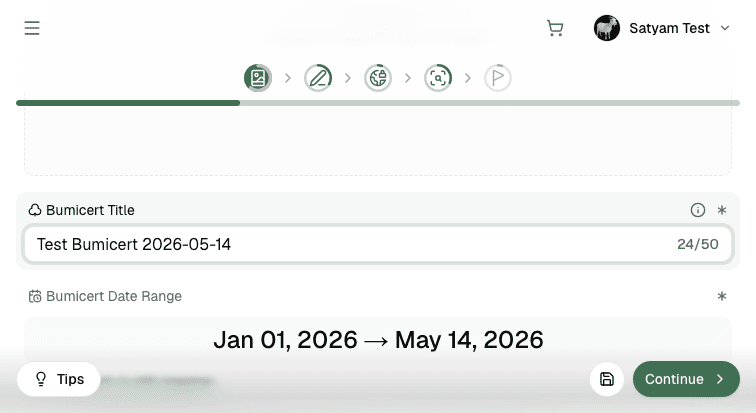
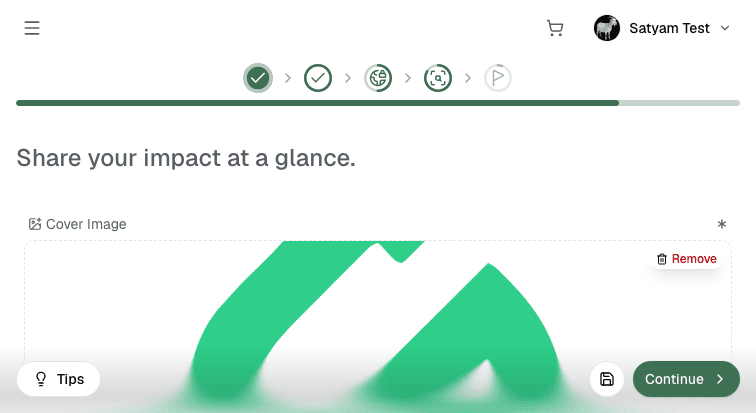
Title "Test Bumicert 2026-05-14" entered (24/50 chars). Date range auto-populated Jan 01 → May 14, 2026. Agroforestry category selected. Cover image uploaded via DOM.setFileInputFiles using e2e/fixtures/test-cover.png. Step icon shows green checkmark after Continue.
Step 2 — Impact Story pass
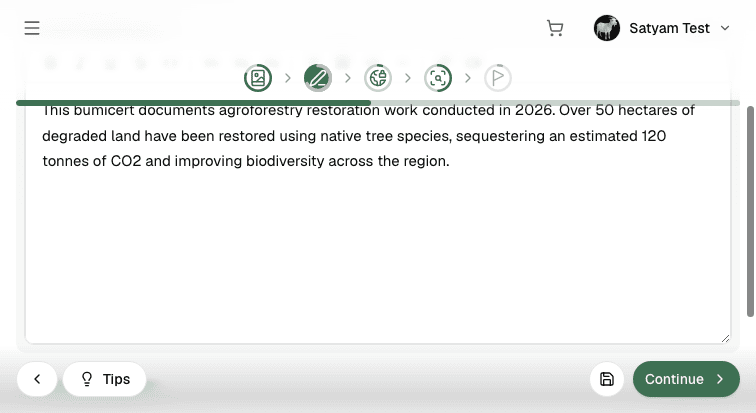
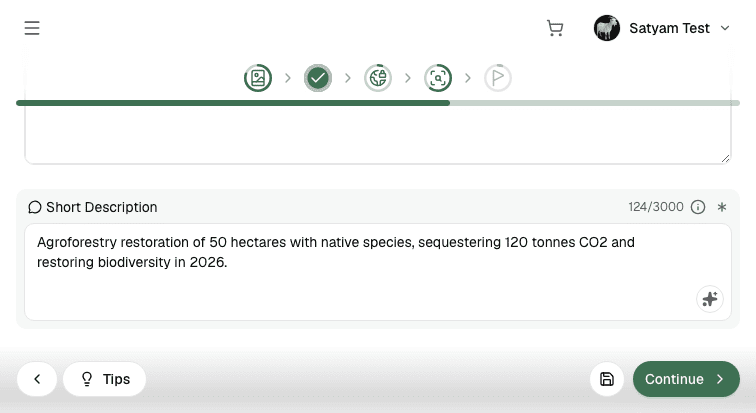
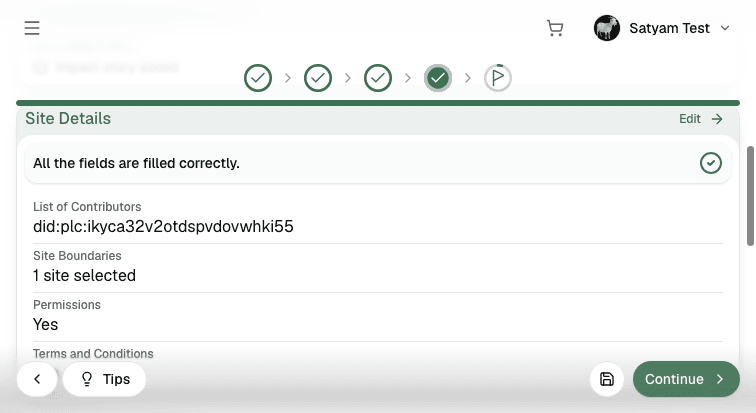
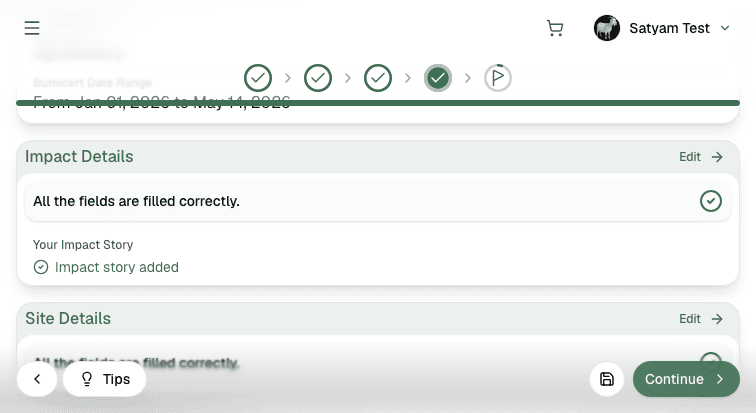
Rich-text impact story and short description (120-char summary of agroforestry restoration) both filled. Review later confirms "All the fields are filled correctly." with "Impact story added" indicator.
Step 3 — Contributors & Sites pass
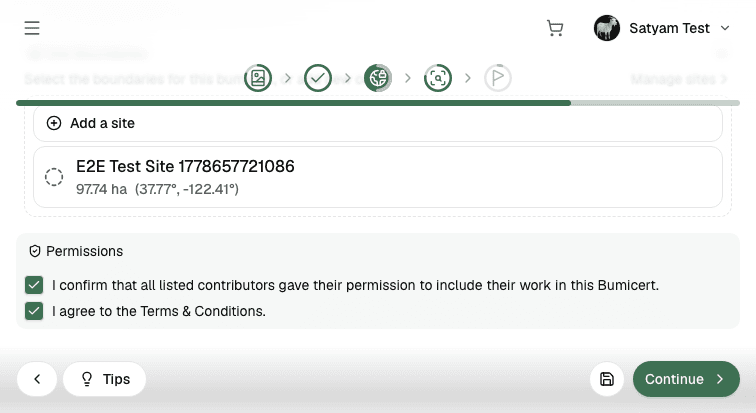
Contributor added via DID (did:plc:ikyca32v2otdspvdovwhki55) using Enter key after typing in the "Enter Name or ID" field — resolves to satyam-test.climateai.org. Existing site "E2E Test Site 1778657721086" (97.74 ha, 37.77°, −122.41°) was attached by clicking its row (row gets a green checkmark). Both permission checkboxes confirmed checked. Review confirms "1 site selected".
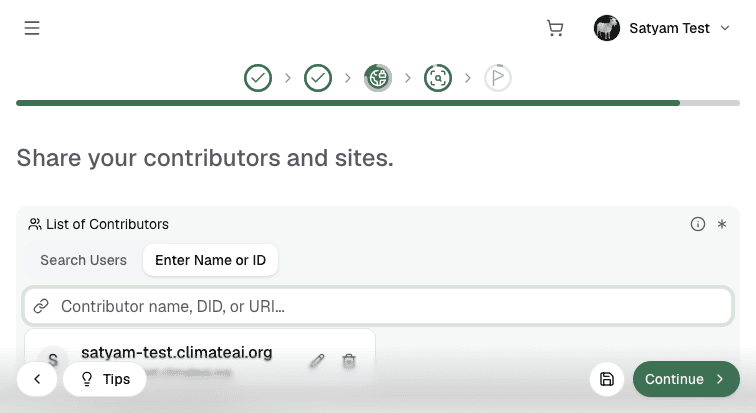
satyam-test.climateai.org appears as a row after pressing Enter.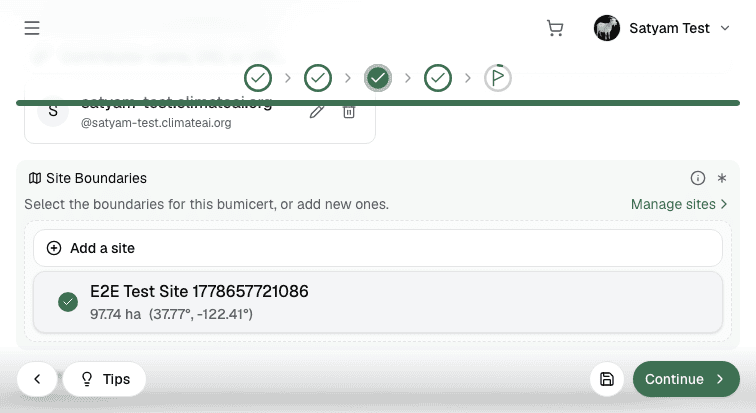
Step 4 — Review pass
All three review panels (Cover Details, Impact Details, Site Details) show "All the fields are filled correctly." with green checkmarks. Continue button becomes active (not disabled). Fields confirmed: Title "Test Bumicert 2026-05-14", Work Type "Agroforestry", date range Jan 01–May 14 2026, impact story added, 1 site, permissions granted.
Step 5 — Publish blocker
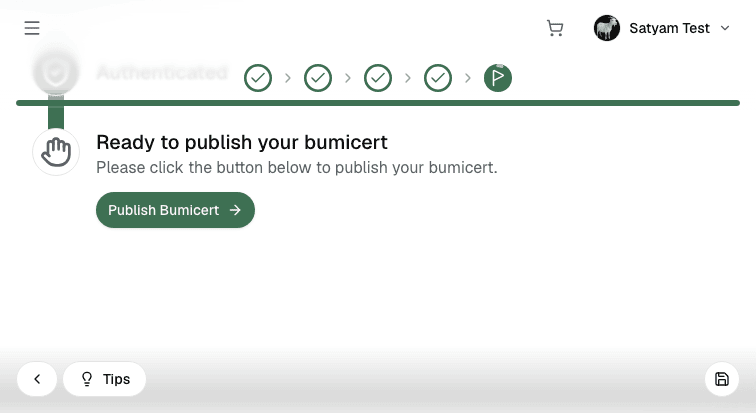
Clicking "Publish Bumicert →" triggers the claim.activity.create tRPC action. The server attempts to upload the cover image blob to the AT-Proto PDS but fails with PDS blob upload failed: expected non-null body source. Retried twice; same error both times. Root cause confirmed by the user: a Node.js version incompatibility where undici's fetch implementation returns a null body source when processing a File object from a server action's FormData. No redirect to a /bumicert/did:plc:… URL occurred.
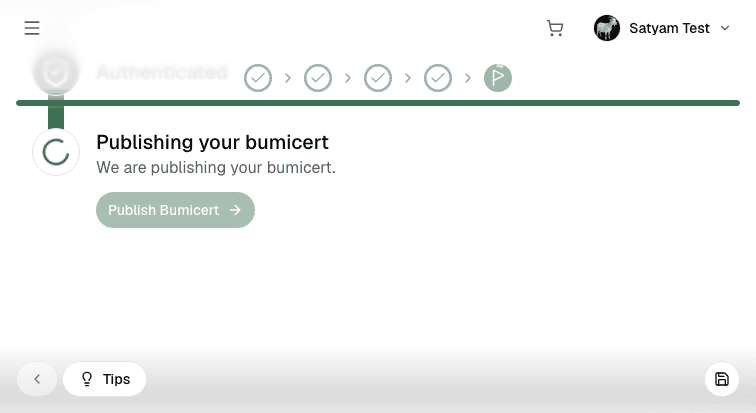
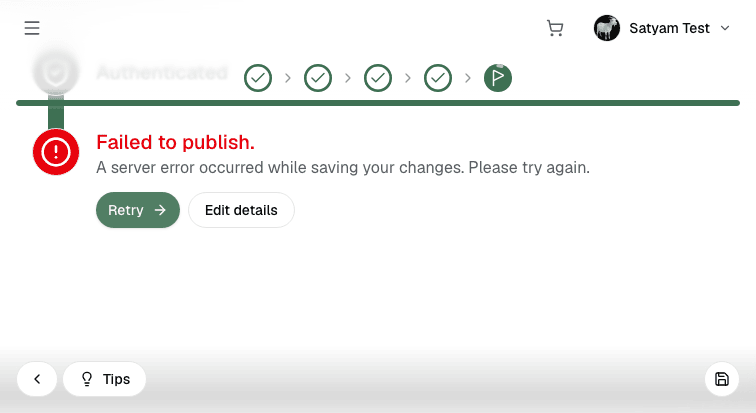
Blocker · PDS blob upload fails on publish — Node.js version incompatibility
Server log: tRPC error on claim.activity.create → PDS blob upload failed → expected non-null body source. This is a Node.js/undici issue where the fetch body is null when passing a File from a Next.js server action to a downstream fetch() call for AT-Proto blob upload. Confirmed by the user; fix requires a Node.js version bump. The wizard itself (all 4 prior steps) works correctly — this is purely a runtime environment issue in local dev.
Warning · getBoundingClientRect() returns 0,0 for all wizard inputs
The inner scroll container in the Create Bumicert wizard causes all child elements to report zero bounding rects. CDP wheel events (Input.dispatchMouseEvent type=mouseWheel) are the correct workaround to scroll the container and bring inputs into the visible viewport before clicking. This should be documented as the canonical interaction pattern for the wizard in future runs.
Warning · Contributor search requires Enter key, not the "Enter Name or ID" button
Clicking the "Enter Name or ID" tab toggle does not submit the typed DID. Pressing Enter while the input is focused is what actually adds the contributor row. The button label is misleading — it switches input modes, not submits. The pattern that works: focus input → type DID → press Enter.
Findings
F1 · Publish blocked — PDS blob upload: expected non-null body source
Affects: /bumicert/create/0 → Step 5 Publish. Root cause: Node.js version mismatch in undici fetch body handling for File objects. Fix: upgrade Node.js runtime. The wizard flow up to and including Review is fully functional.
F2 · Wizard inner scroll container — coordinate-based interaction requires CDP wheel scroll
All elements inside the wizard's inner container report getBoundingClientRect() = {0,0}. Interaction pattern: cdp("Input.dispatchMouseEvent", type="mouseWheel", deltaY=N) to scroll, then click_at_xy at the now-visible coordinates. Document this as the standard wizard interaction approach.
F3 · Public pages, OAuth, and post-login views all pass
Landing, explore, leaderboard, organizations, the full AT-Proto sign-in flow, My Account, and Donation History all render correctly with no console errors or unexpected 404s.
F4 · Wizard steps 1–4 pass cleanly
Cover image upload, title/category entry, rich-text impact story, contributor DID resolution, site attachment, permission checkboxes, and the Review panel all work correctly. The Continue button correctly gates on validation state.
Reproducing
development
Serverbun run --cwd apps/bumicerts build && bun run --cwd apps/bumicerts start -- --port 3001
Accountsatyam-test.climateai.org
Commit5dfb6ff — Use image proxy loader for remote images
Screenshots68 PNGs in assets/
Blocker logtRPC error on claim.activity.create → PDS blob upload failed → expected non-null body source