plresearch-org · edit-ai-opportunity-spaces
Edit AI & Robotics Opportunity Spaces via Edit Button

Logged in at /admin as satyam2.climateai.org (a whitelisted admin DID) and attempted to edit the AI & Robotics opportunity spaces page through the in-app “Edit page” button — but no such button exists on that page, and no ATProto record backs it, so the scenario is not achievable via the UI.
Headline result
Headline. The scenario as stated is impossible. Login succeeded end-to-end (handle → PDS OAuth → session) and the admin UI correctly recognised satyam2.climateai.org as an admin. Navigating to /areas/ai-robotics/opportunity-spaces/ revealed no “Edit page” button — the page reads from a static JSON file checked into git (src/data/fa2/ai-opportunityspaces.json), not an ATProto record, so the inline-edit UI cannot apply. The same is true for the other three areas’ opportunity-spaces pages. Editing this content requires a code change (JSON edit + redeploy), not a CMS edit.
Walkthrough
Full flow captured with agent-browser: handle entry on /admin, OAuth redirect to the user’s PDS (climateai.org), password submission, callback to plresearch.org with an authenticated session, and navigation to the target page.
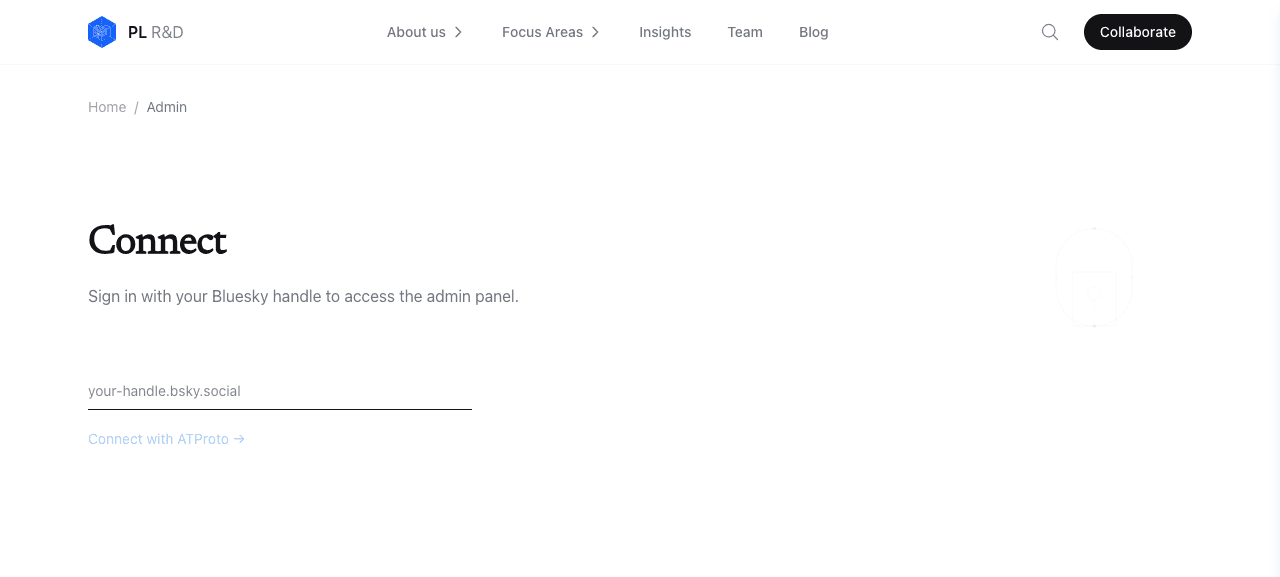
/admin shows the handle prompt. Header chrome has a “Collaborate” CTA (unauthenticated state).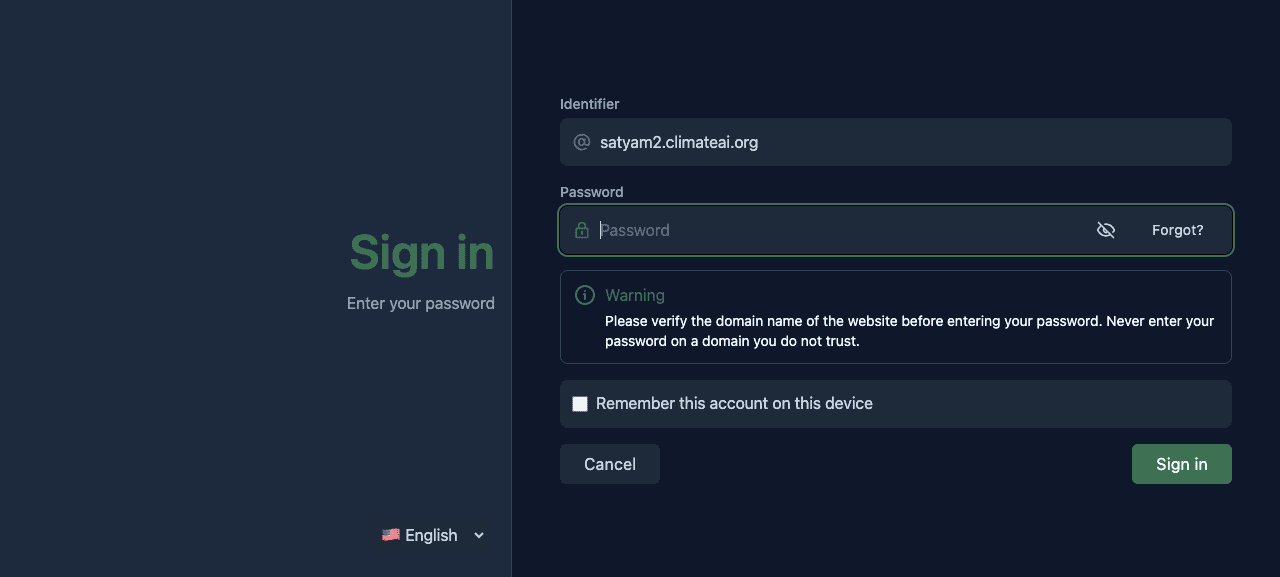
https://climateai.org/oauth/authorize?client_id=https://www.plresearch.org/api/oauth/client-metadata.json — confidential-client OAuth (as expected in production).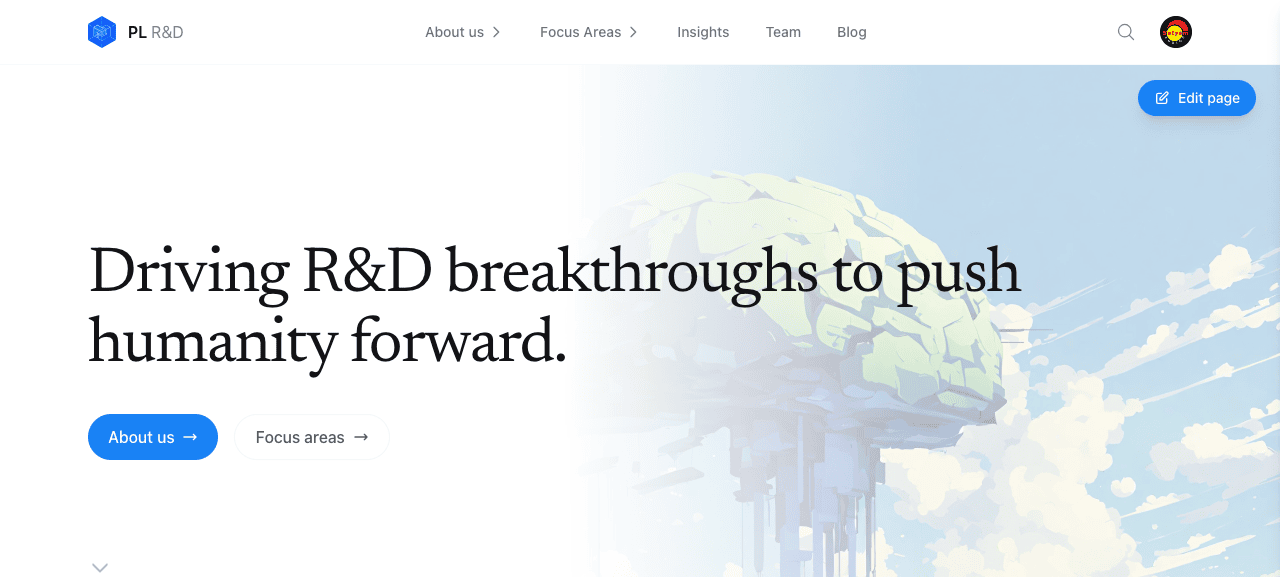
/. The header replaces “Collaborate” with the user avatar and the “Edit page” button appears top-right (admin mode active). Login flow is working.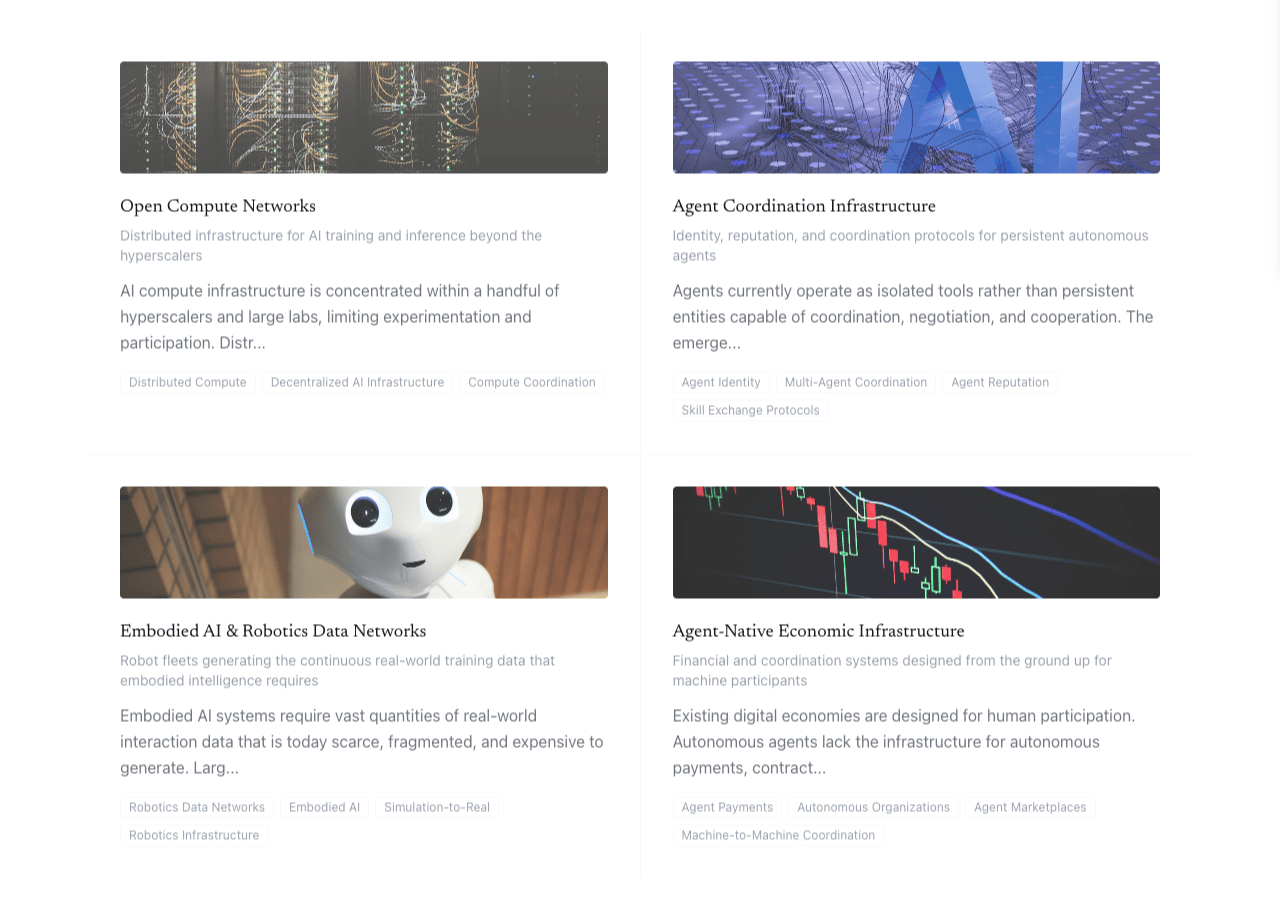
/areas/ai-robotics/opportunity-spaces/. Avatar still present in the header (session intact). No “Edit page” button.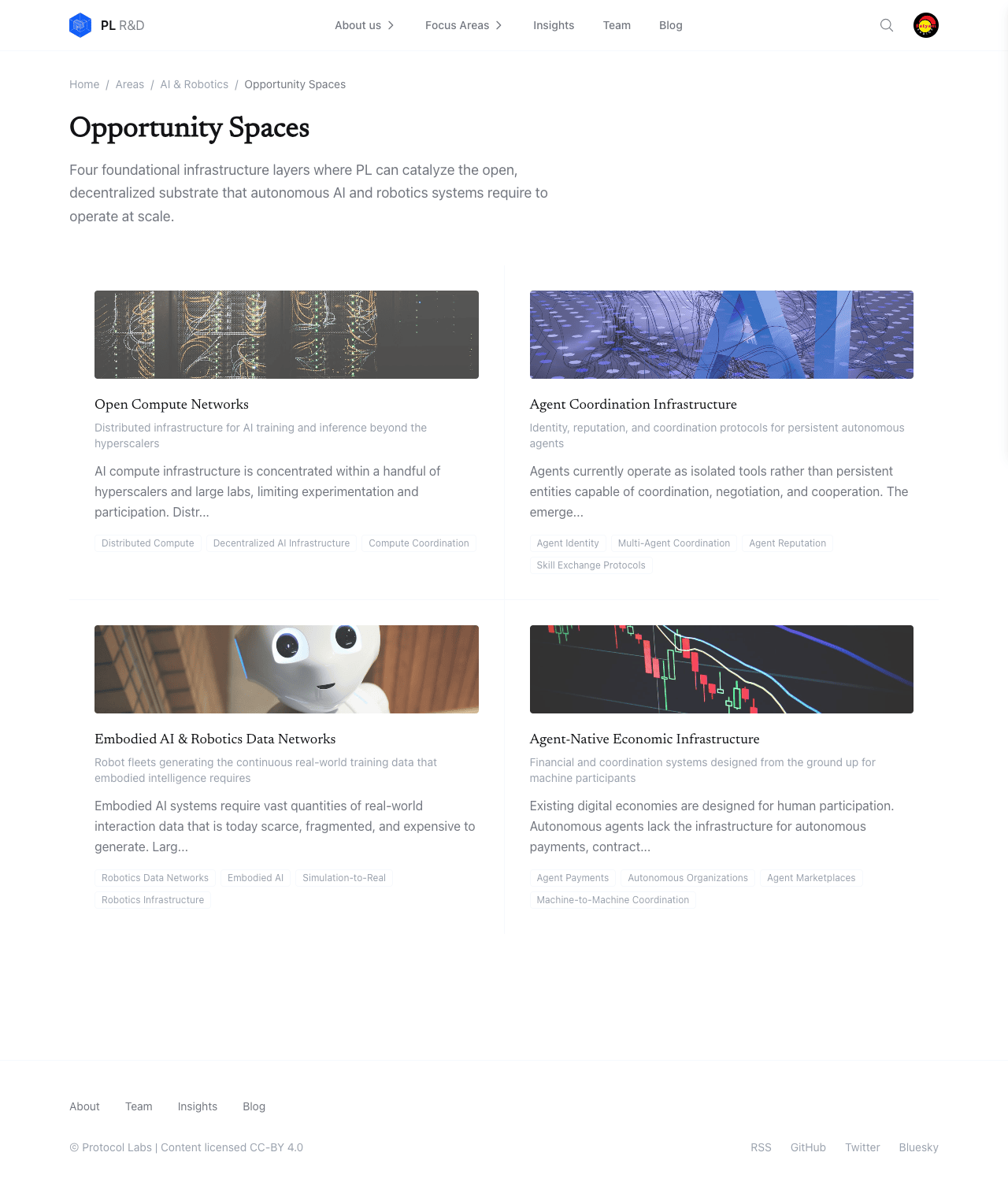
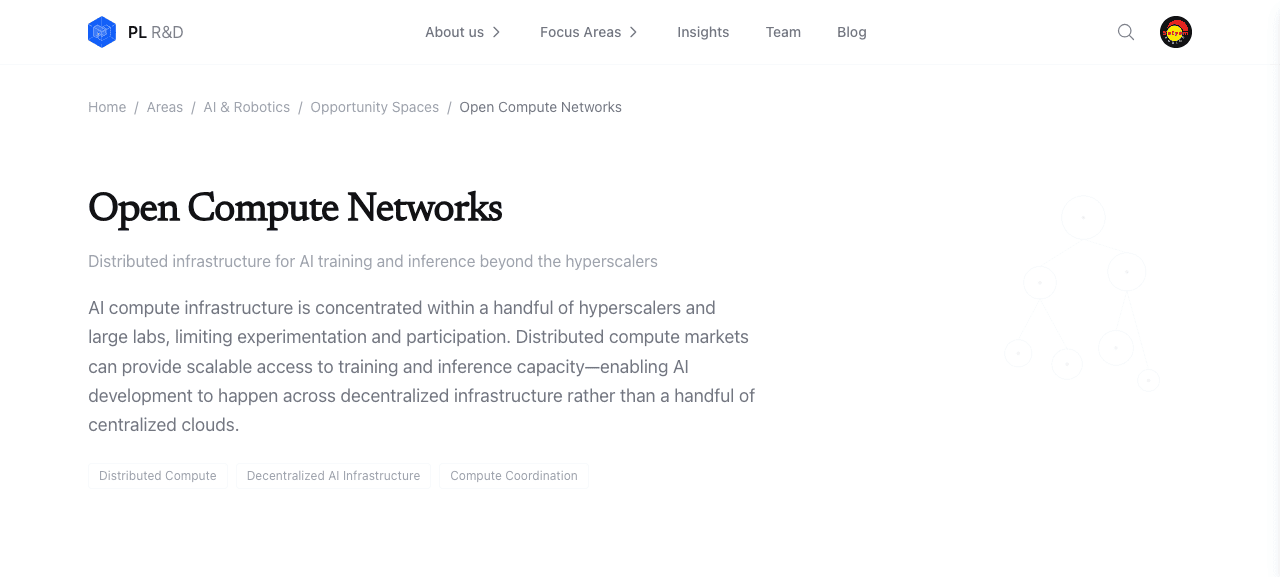
/areas/ai-robotics/opportunity-spaces/open-compute-networks/) also has no edit button.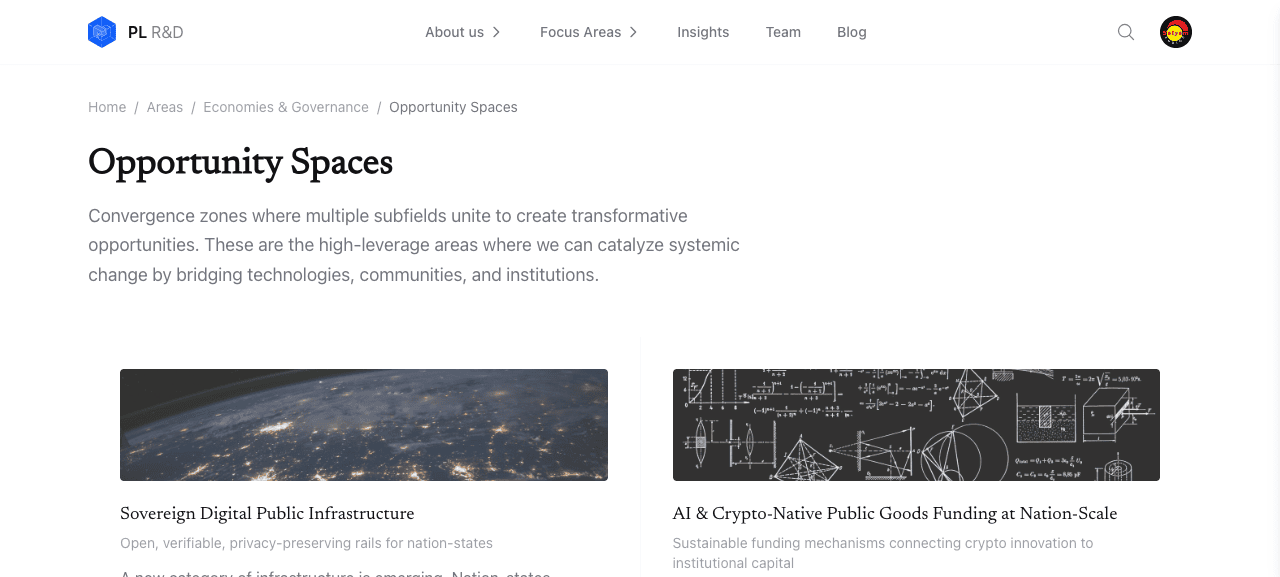
/areas/economies-governance/opportunity-spaces/ — no edit button. The gap is systemic across all four areas.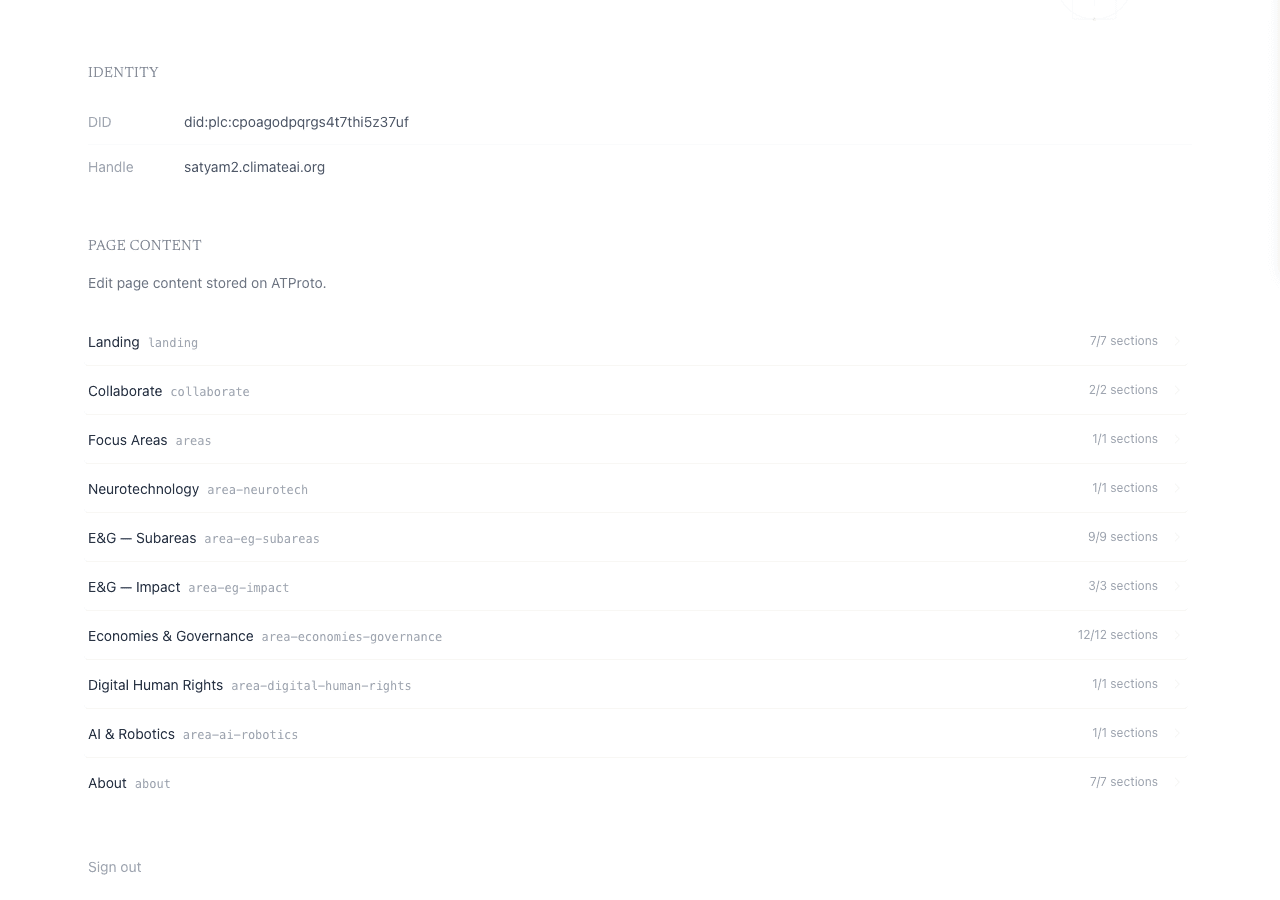
/admin panel lists every ATProto-editable page: landing, collaborate, areas, plus one record per area. “Satyam Two” is correctly identified as admin.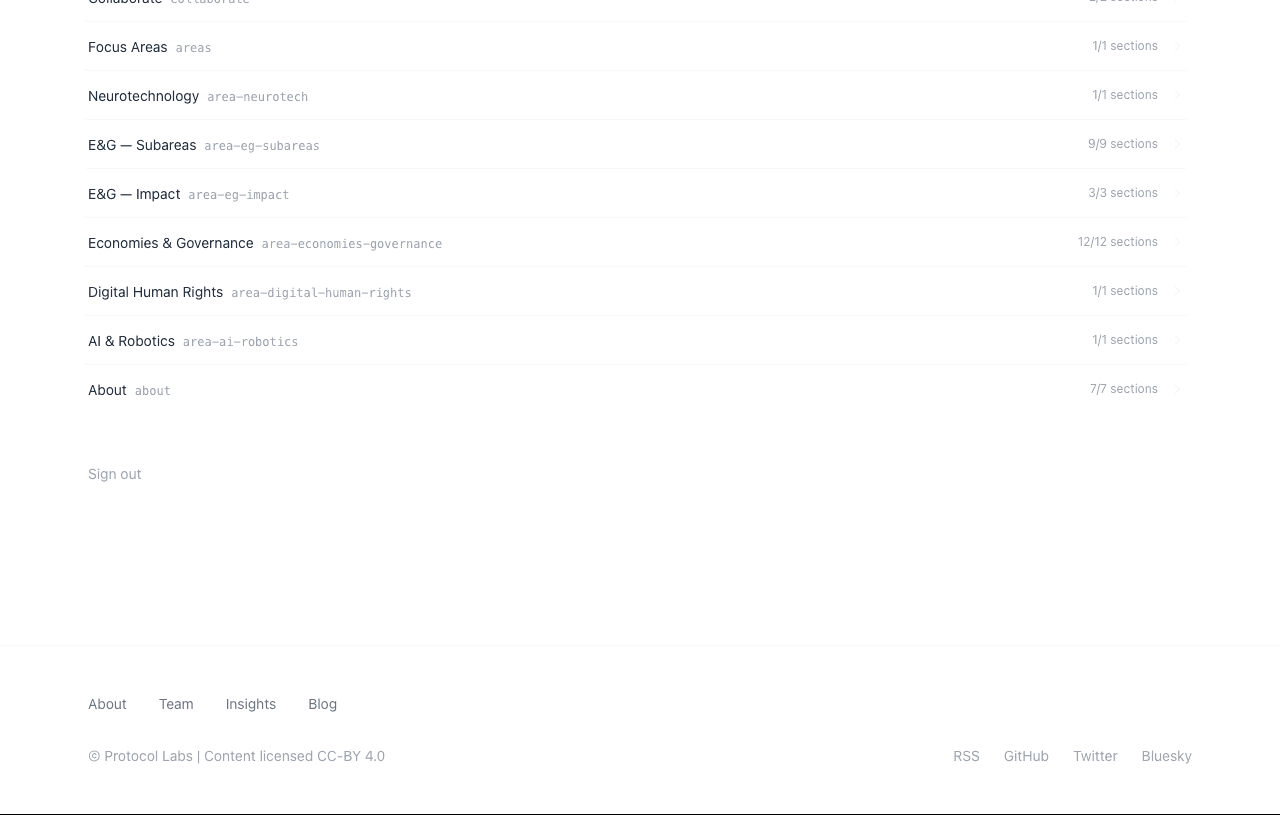
area-ai-robotics exists, but it represents only the hero of the area landing page.)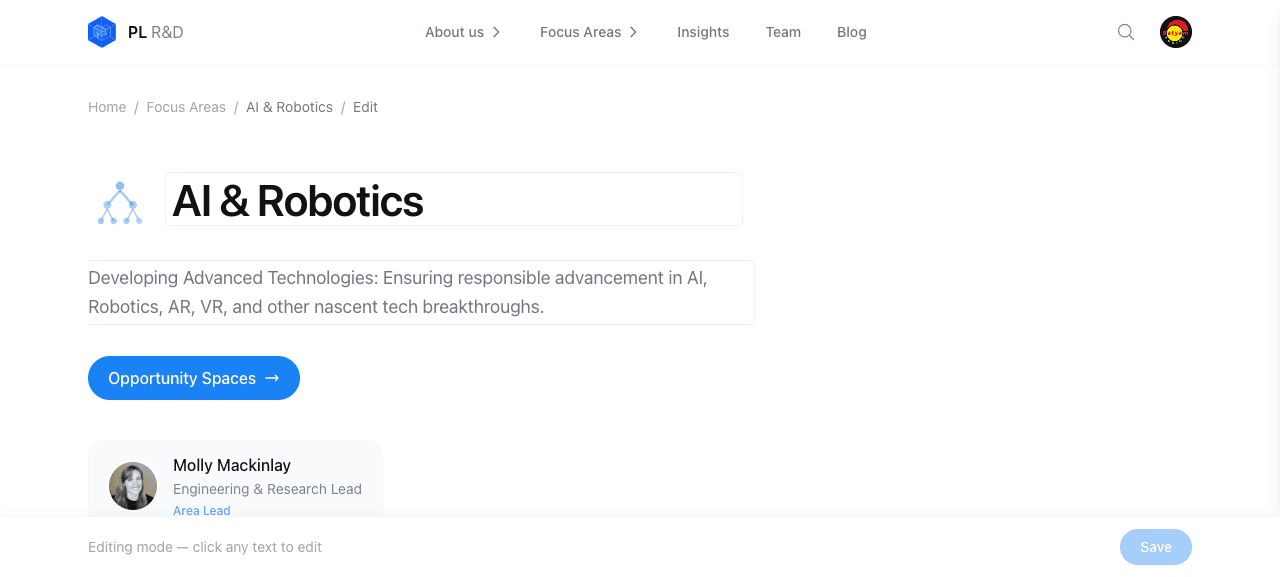
/areas/ai-robotics/edit enters inline-edit mode with editable fields and a floating Save bar. Confirms the bug is scope, not wiring.Findings
F1 · No Edit-page button on any opportunity-spaces page
None of the four areas’ opportunity-spaces/ index pages or their [slug]/ detail pages render <EditPageButton />. From the user’s perspective the feature simply isn’t there.
Root cause — verified in source:
$ rg EditPageButton src/app/areas/
src/app/areas/page.tsx                           # <EditPageButton rkey="areas" />
src/app/areas/[slug]/page.tsx                    # <EditPageButton rkey={`area-${slug}`} />
src/app/areas/economies-governance/page.tsx     # <EditPageButton rkey="area-economies-governance" />
src/app/areas/economies-governance/subareas/…   # area-eg-subareas
src/app/areas/economies-governance/impact/…     # area-eg-impact
No opportunity-spaces/page.tsx — in any area — imports EditPageButton.
F2 · Even if the button were added, there’s no ATProto record to edit
These pages read static JSON at build time:
// src/app/areas/ai-robotics/opportunity-spaces/page.tsx
import opportunityData from '@/data/fa2/ai-opportunityspaces.json'
Listing every page record in plresearch.org’s PDS confirms the gap:
$ curl -sG "https://leccinum.us-west.host.bsky.network/xrpc/com.atproto.repo.listRecords" \
    --data-urlencode "repo=did:plc:pgwr6hkosgznfl5nz7egajei" \
    --data-urlencode "collection=org.plresearch.page" \
  | jq -r '.records[].value.pageId'
landing
collaborate
areas
area-neurotech
area-eg-subareas
area-eg-impact
area-economies-governance
area-digital-human-rights
area-ai-robotics
about
Ten records; none represents an opportunity-spaces page. Editing requires a PR against src/data/fa2/<area>-opportunityspaces.json and a redeploy.
F3 · area-ai-robotics record is editable but only covers the hero
The one ATProto record tied to AI & Robotics (area-ai-robotics) has a single section hero with title/subtitle/body. It drives /areas/ai-robotics/, not the opportunity spaces subtree. A user told “edit AI & Robotics content” could reasonably expect the edit flow to reach all of that area’s prose.
$ curl -sG ".../com.atproto.repo.getRecord" \
    --data-urlencode "repo=did:plc:pgwr6hkosgznfl5nz7egajei" \
    --data-urlencode "collection=org.plresearch.page" \
    --data-urlencode "rkey=area-ai-robotics" | jq '.value.sections[].sectionId'
"hero"
F4 · Admin-panel button click does nothing if scrolled past the list
On the /admin panel the record rows act as accordion toggles, but they expand inline. With a tall list (the panel is ~1100 px) and the header pinned, clicking “AI & Robotics” once scrolled below the fold produced no visible change on my 1280×800 viewport. A second click (after scrolling) worked. Minor UX — consider scroll-into-view on expand.
Screenshot 07b at the bottom shows the expanded hero section rendered partly beneath the pinned site header, another symptom worth polishing.
W1 · End-to-end ATProto OAuth login works (confidential client)
Handle → authorize redirect → PDS password → callback → session cookie → admin-flagged UI — all clean, no errors. client_id correctly points at /api/oauth/client-metadata.json, confirming the confidential-client (JWK-backed) mode in production.
W2 · Admin whitelist enforcement works
After the Vercel NEXT_PUBLIC_ADMIN_DIDS was extended earlier in this session, did:plc:cpoagodpqrgs4t7thi5z37uf (satyam2.climateai.org) is recognised by both the client-side useAuth().isAdmin gate (Edit button appears) and the server-side ADMIN_DIDS.includes(...) check in PUT /api/pages/[rkey].
W3 · Where the edit button is wired, the flow is clean
/areas/ai-robotics/edit delivered a textbook inline-edit experience: click-to-edit fields with faint borders, an unobtrusive “Editing mode — click any text to edit” footer, and a pinned “Save” button. See screenshot 08.
Recommended fix
Two paths, not mutually exclusive:
- Quick win (preserves current data model): keep the JSON files but add a thin “this page is code-managed — edit
src/data/fa2/ai-opportunityspaces.json” banner for admins, so the absence of an edit button is explained rather than silent. A<EditPageButton />variant that points at the GitHub file URL would make this one click. - Proper fix: migrate opportunity-spaces to the existing
org.plresearch.opportunitySpacelexicon (already defined insrc/lib/lexicons.ts). The generic areas (not FA2) are the obvious candidates since their pages are thin and could render one ATProto record per opportunity space. This also means the indexer needs one record per card — a known pattern in this repo (fetchOpportunitySpacesalready exists insrc/lib/indexer.ts).
Reproducing
https://www.plresearch.org/admin
Handlesatyam2.climateai.org
Passwordtest password — redacted in this report
Target page/areas/ai-robotics/opportunity-spaces/
Toolagent-browser (snapshot-driven)
PDS verifycurl -sG https://leccinum.us-west.host.bsky.network/xrpc/com.atproto.repo.listRecords --data-urlencode repo=did:plc:pgwr6hkosgznfl5nz7egajei --data-urlencode collection=org.plresearch.page
Screenshotsassets/01-*.png … assets/10-*.png