simocracy-v2 · navbar-search
Navbar Global Search — Cmd+K Command Palette

A unified ⌘K command palette that searches sims, skills, events, and proposals — paired with a navbar reorganized into four mental-model groups. End-to-end verified on desktop and mobile against a live simocracy-v2 dev server with 126 indexed records.
Headline result
Pass. The new /api/search endpoint returns the full searchable corpus across 95 sims · 5 skills · 8 events · 18 proposals. Client-side substring ranking surfaces results instantly on every keystroke; ⌘K opens the modal globally; arrow-key + Enter navigation lands on the right detail page (slug-aware). Mobile (390×844) shows the same dialog as a near-fullscreen card and stacks the navbar groups under PLEX section headers (You · Browse · Governance · About). One UX bug — a stale internal scroll position cropping the first section header on subsequent searches — was caught during the smoke test and fixed in the same session.
What shipped
Three pieces, plus a navbar reorganization carried over from the previous task:
app/api/search/route.ts — flat SearchableItem[] corpus across all four lexicons, with pre-resolved canonical hrefs (slug-aware via lib/aliases.ts) and 60s edge cache.
UIcomponents/global-search.tsx — Radix-Dialog command palette: keyboard shortcuts (⌘K / Ctrl+K / /), client-side substring ranking, grouped result sections, scroll-into-view keyboard nav, TanStack Query session cache.
Navbarcomponents/navbar.tsx — input-shaped trigger on desktop with ⌘K hint; icon-only trigger on mobile; four-group layout with hairline foil dividers (You · Browse · Governance · About) on desktop and PLEX headers on mobile.
Walkthrough
Desktop · the navbar at rest
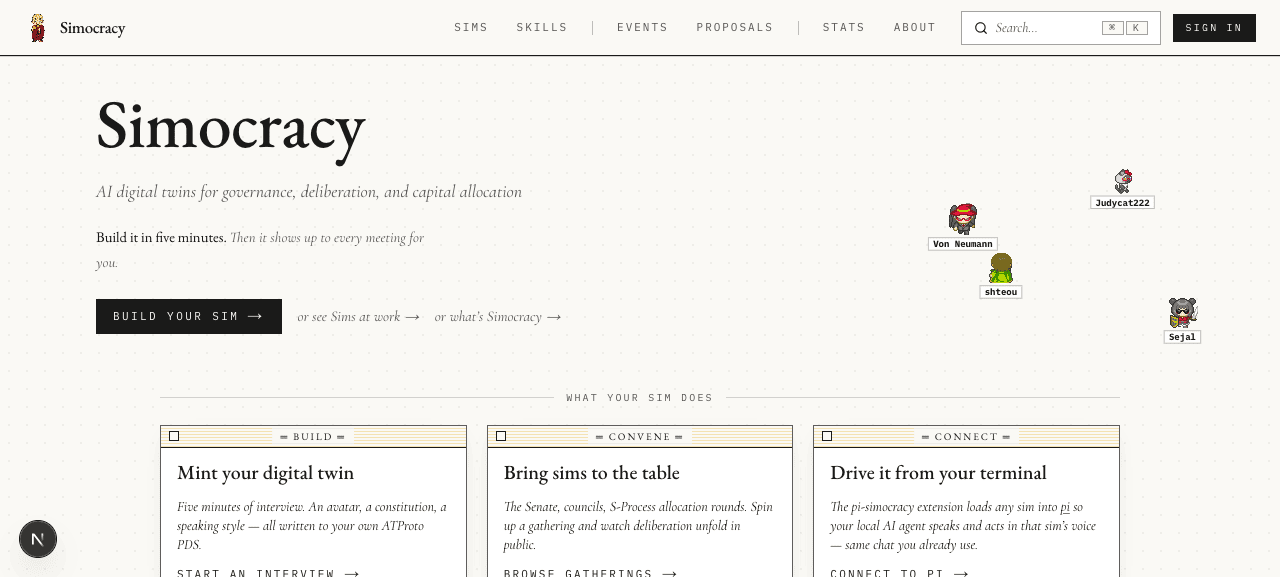
⌘K shortcut hint, sized to read as an inviting target without competing with the wordmark.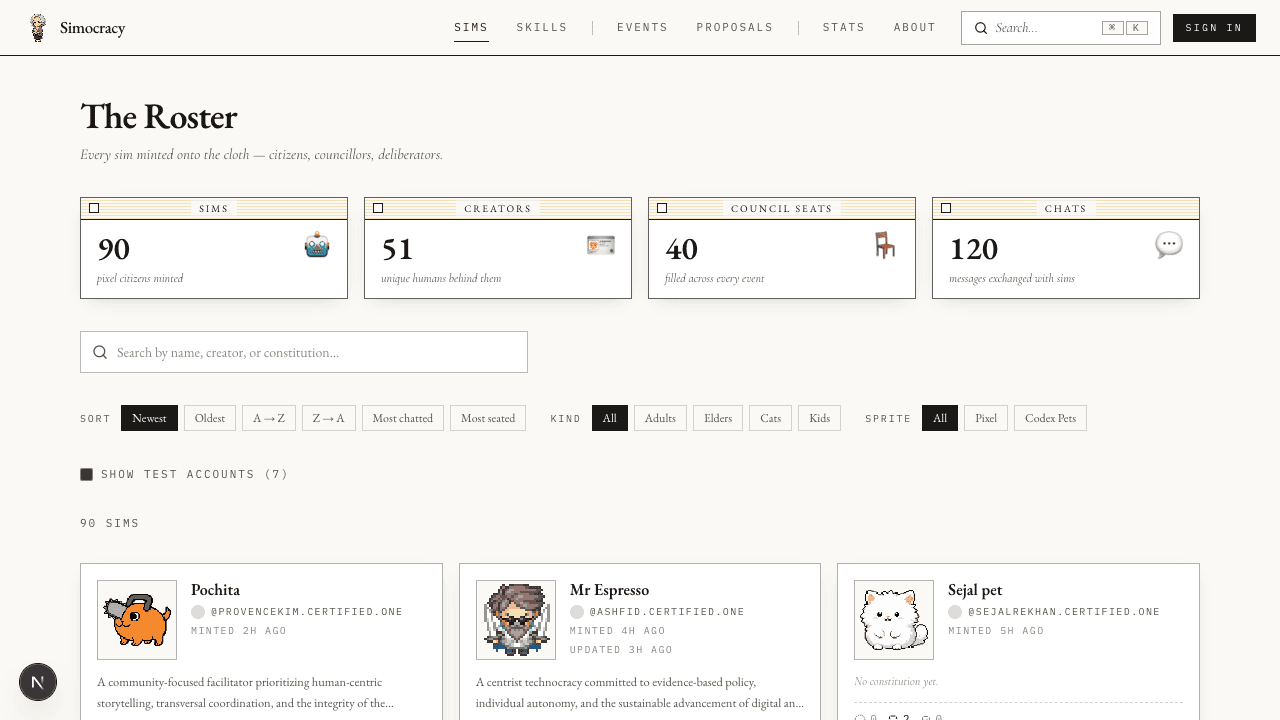
/gallery. The active section (Sims) gets the foil underline. The page already has its own scoped “Search by name…” input — the global ⌘K bar lives one row up and stays visible because it’s scoped across the whole product, not just the current page.Desktop · the search modal
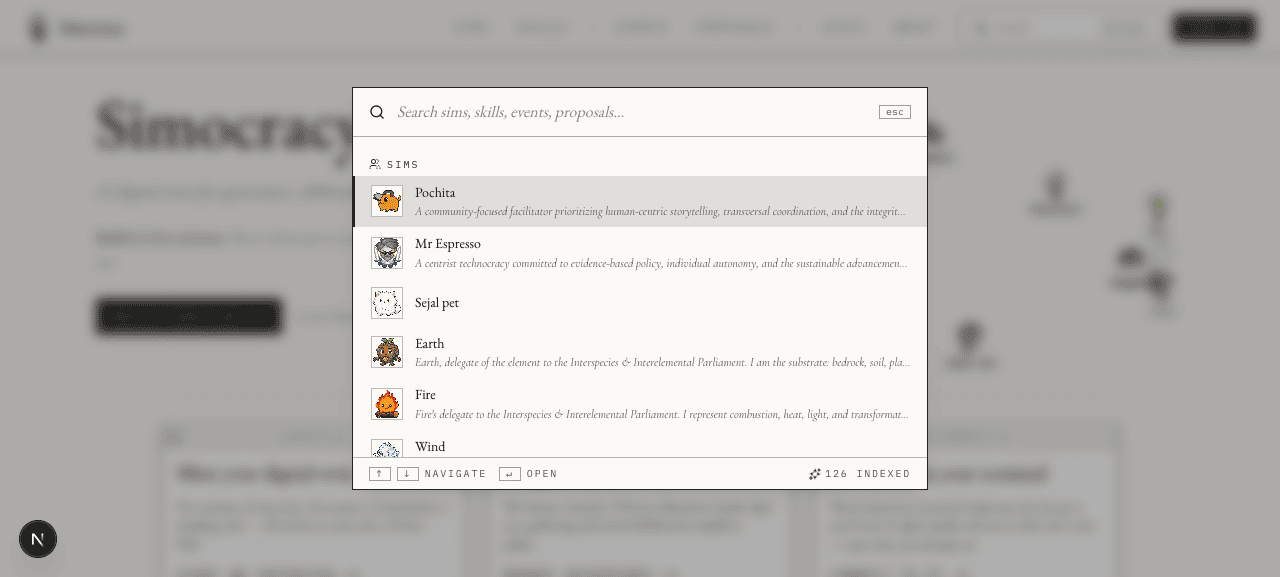
↑↓ navigate · ↵ open) and a “126 indexed” signal.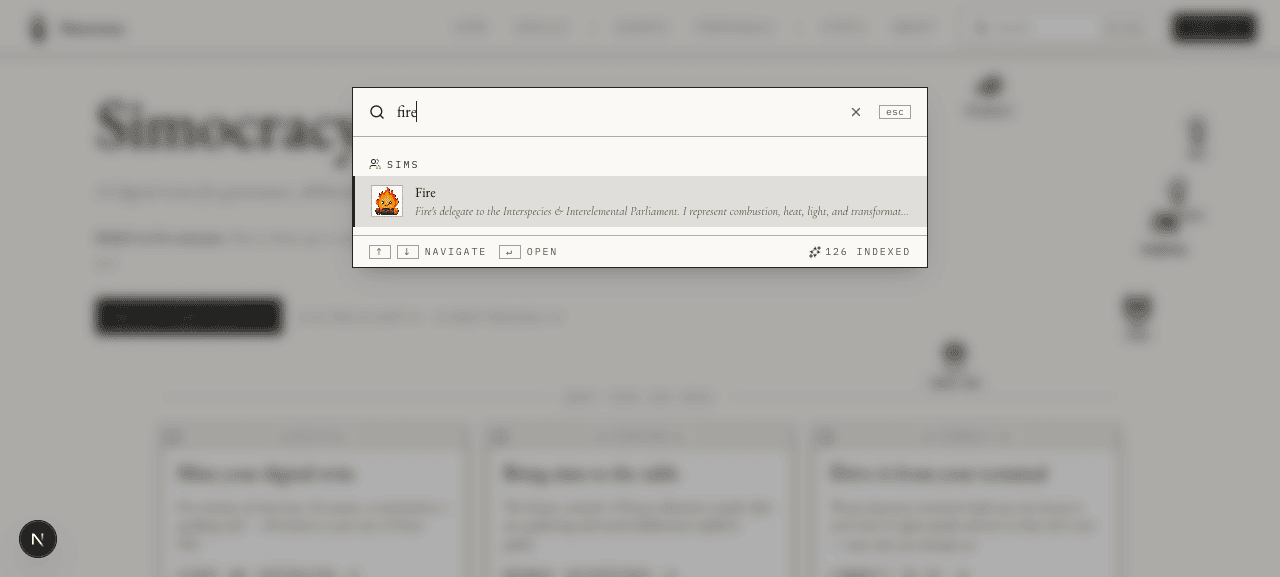
fire). Modal shrinks to fit content; the SIMS section header with the people icon stays pinned above the result. Sim avatars use <SimAvatar mode="static"> — the same thumbnail blob the gallery uses, so no canvas pipeline is mounted in the search list.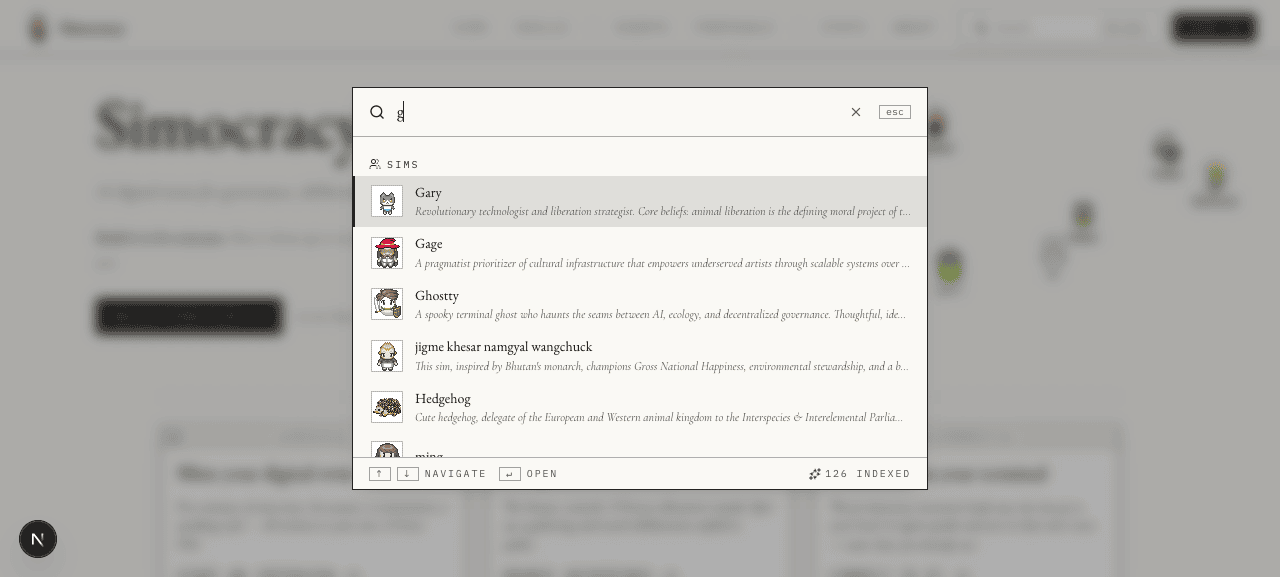
g). Per-section cap of 6 keeps the dropdown compact. Active row gets the foil left-border + tinted background — readable without shouting.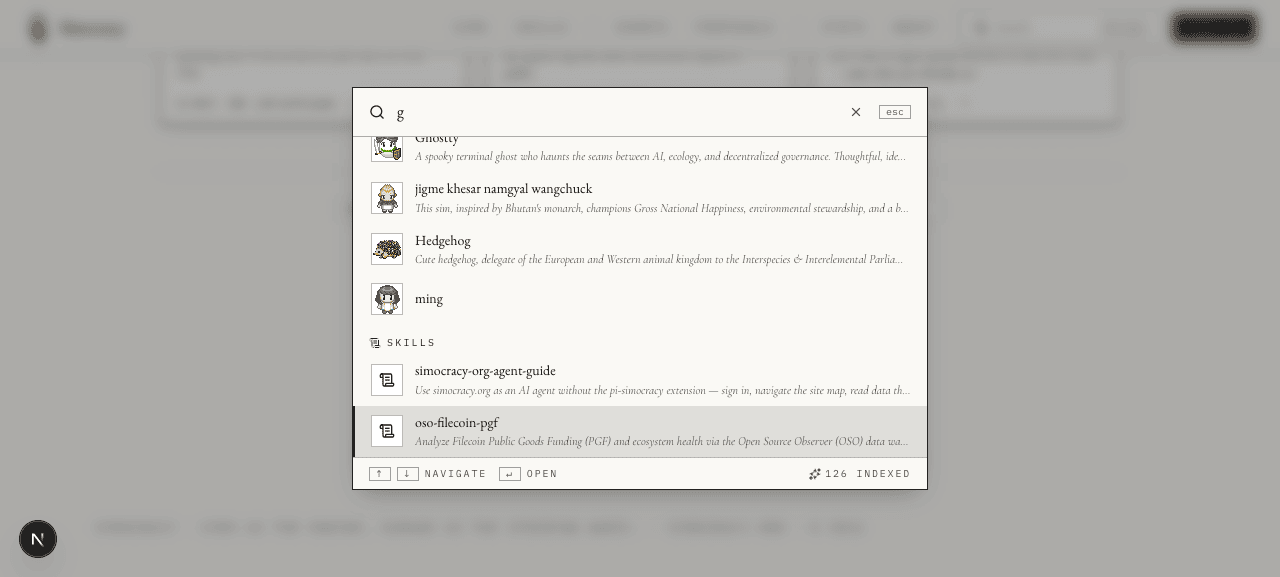
ArrowDown presses later. The active row crosses into Skills — section header with the scroll icon shows up, scroll-into-view keeps the active row in frame, and rows without an avatar fall back to the section icon (no holes).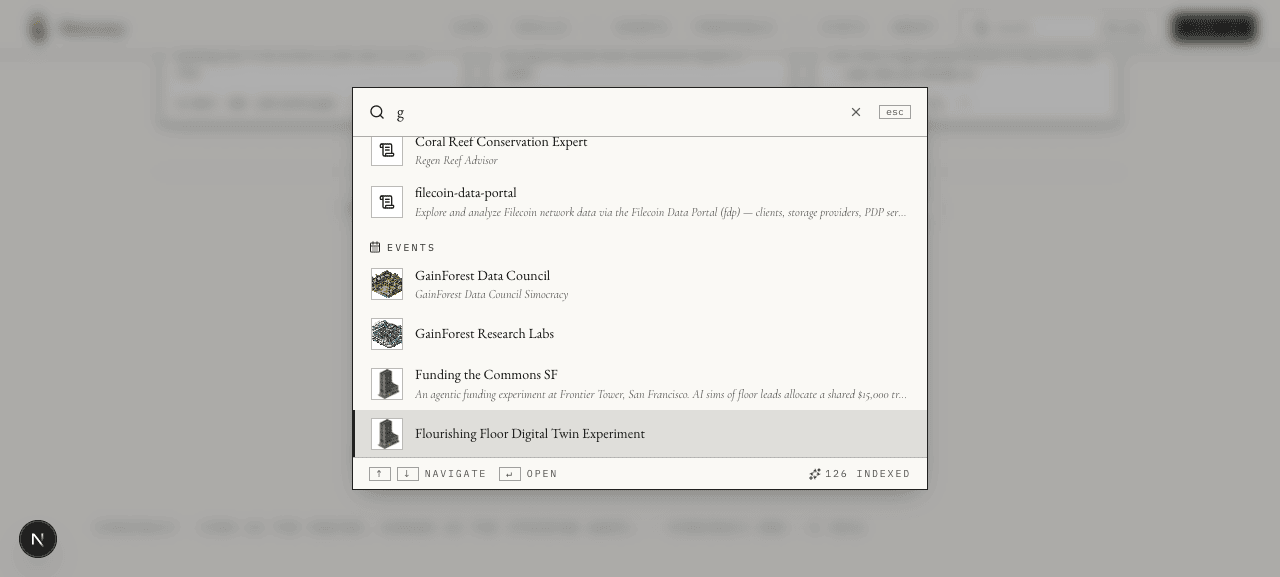
buildingImageUrl field, so the search results reuse the same imagery as the events gallery.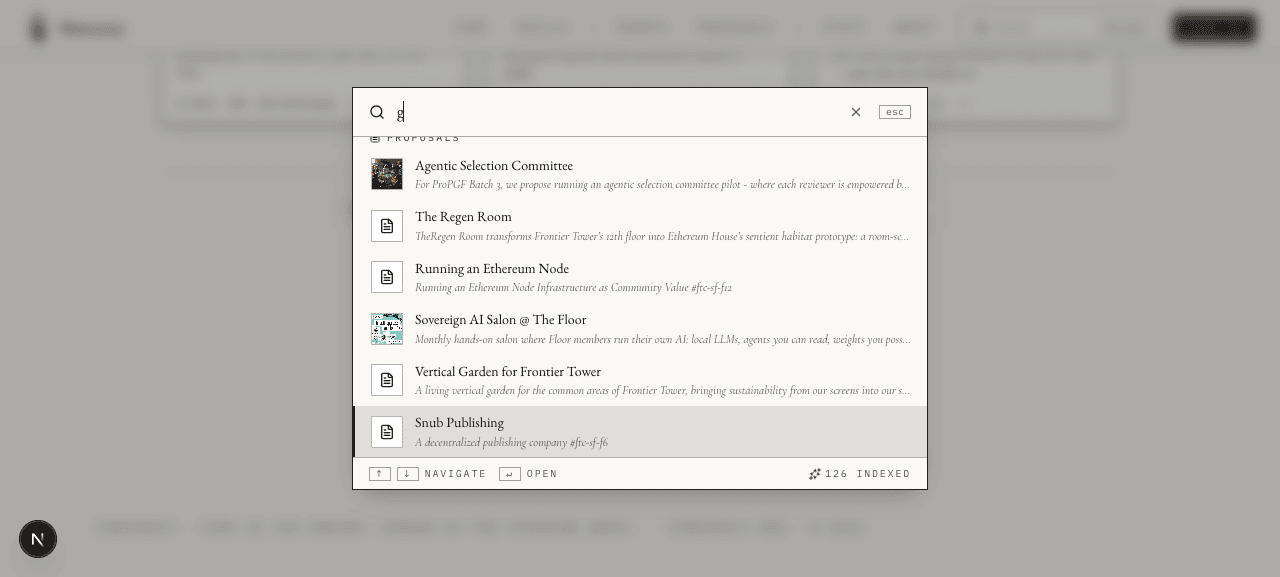
image.uri set show their banner; the rest fall back to a generic FileText tile — no missing-image holes.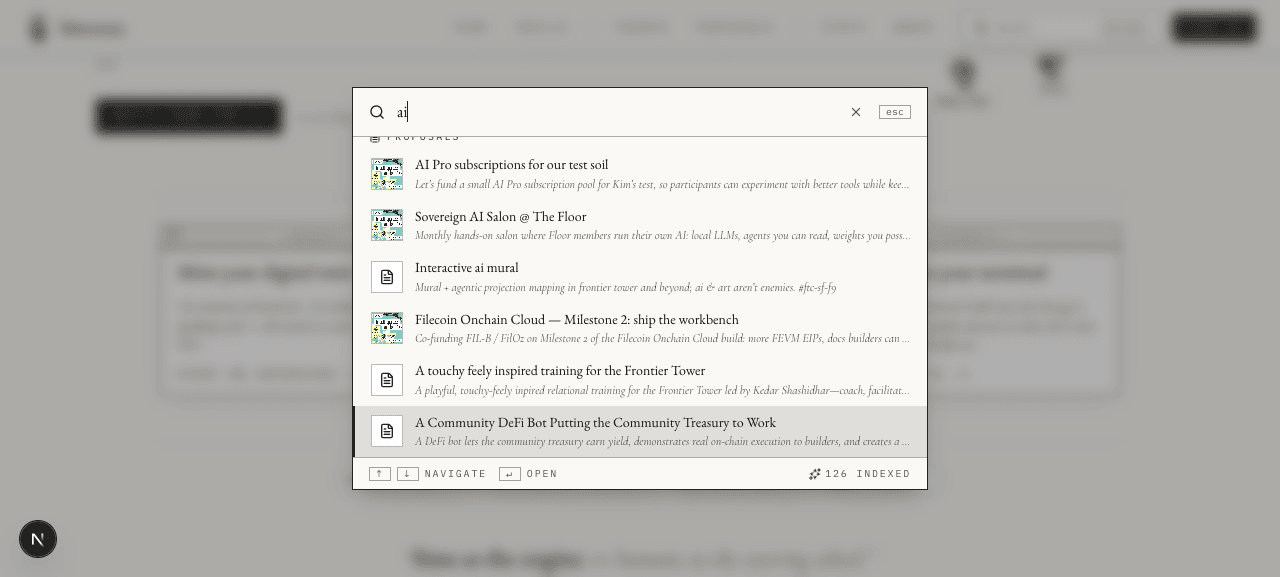
End jumps to the last result; Home jumps back to the first. ⌘K → type → arrow → enter never requires the mouse.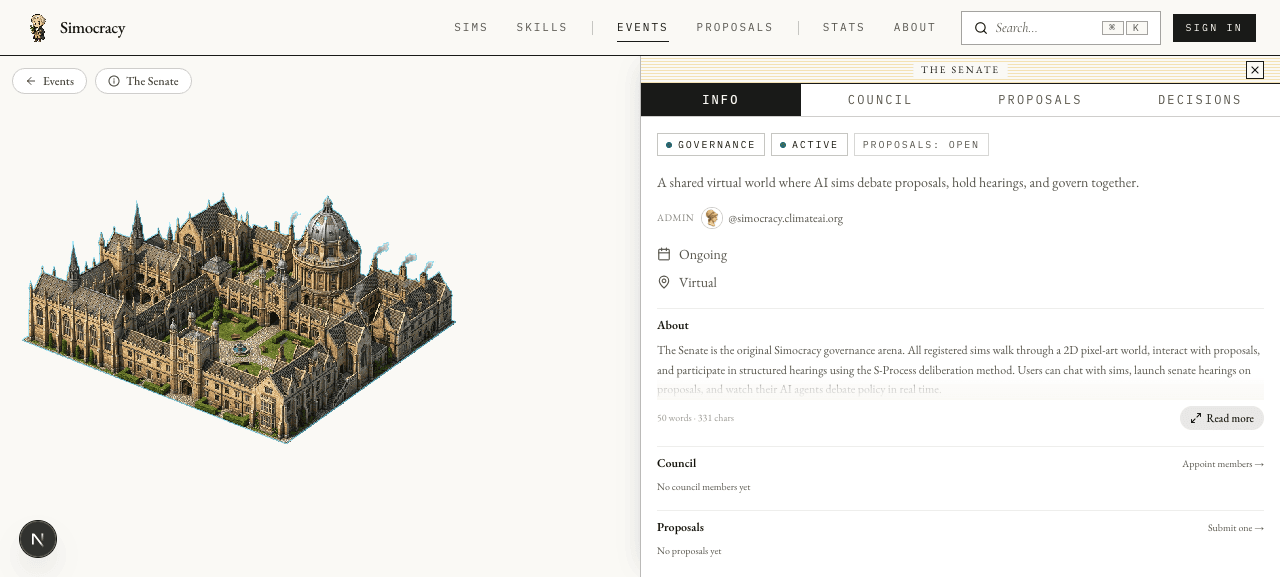
↵ on “The Senate” lands on /events/senate — the slug-aware canonical URL resolved server-side via urlForTarget(slugMap, …), not the raw /events/<did>/<rkey> form.Mobile · 390 × 844 (iPhone 15 Pro size)
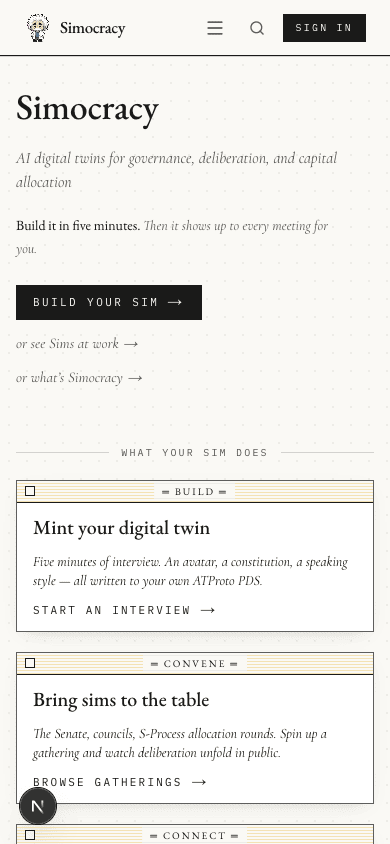
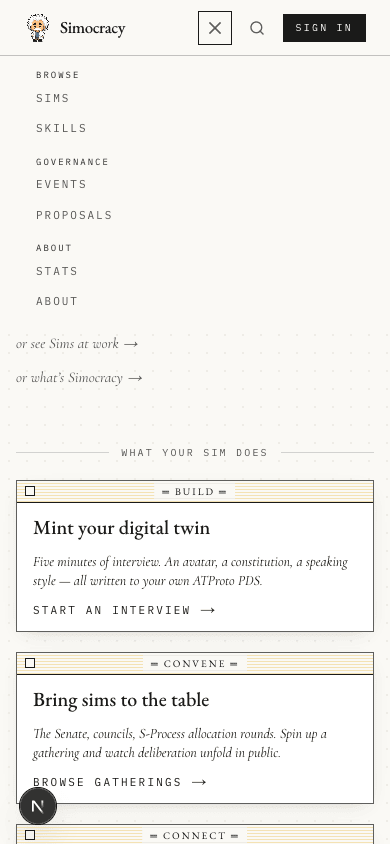
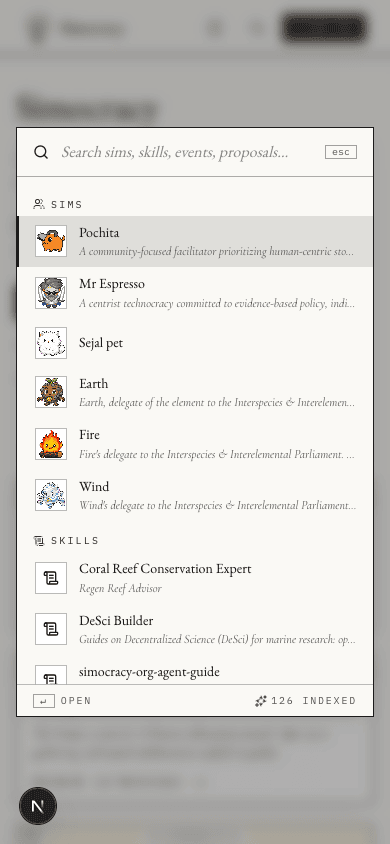
↑↓ navigate hint (irrelevant on touch) and keeps just ↵ OPEN + the indexed-count badge.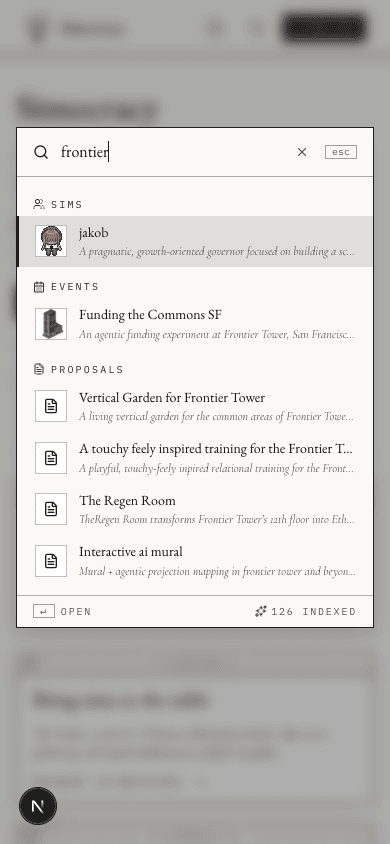
frontier). Three matching sections (sims, events, proposals — no skills hit) all in one screen.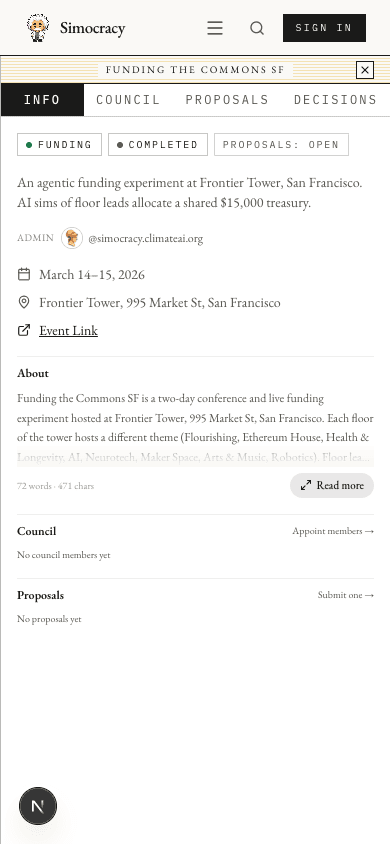
Findings
All four result kinds work end-to-end
Verified each kind clicks through to the correct route:
- Sim →
/sims/<slug>(or/sims/<did>/<rkey>when no slug is claimed) - Skill →
/skills/<did>/<rkey>(skills don’t have slugs) - Event →
/events/<slug>(slug-aware) — verifiedThe Senate→/events/senate - Proposal →
/proposals/<did>/<rkey>
The corpus payload for the live deployment was 126 items (95 sims · 5 skills · 8 events · 18 proposals); compresses to ~30 KB on the wire because most descriptions are short. Scales linearly until ~5–10× this size; at that point we should consider server-side filtering or a real index.
Keyboard contract holds across browsers
⌘K / Ctrl+K open from anywhere; / opens unless the user is already typing in another input (isTypingTarget() checks tagName + isContentEditable). ArrowDown / ArrowUp wrap; Home / End jump; Enter opens the active row; Escape closes (Radix Dialog default). Active row is wired to aria-activedescendant + role="option", so screen readers announce it correctly.
UX bug caught mid-run: stale listbox scroll cropped the first section header
Initial implementation: after a query change, the list reset activeIndex to 0 and called el.scrollIntoView({ block: "nearest" }) on item 0. If the listbox was previously scrolled (e.g. user pressed End, then typed a new query), nearest only scrolled just enough to expose the first item — which left the SectionHeader directly above it cropped out of view.
Fix in components/global-search.tsx:
// Reset the listbox scroll on every query change.
useEffect(() => {
  if (listRef.current) listRef.current.scrollTop = 0;
}, [query]);

// Skip scrollIntoView for index 0 — the effect above already pinned
// the list to the top, and a redundant scrollIntoView would crop the
// first section header.
useEffect(() => {
  if (safeActiveIndex === 0) return;
  // … existing scrollIntoView for keyboard nav …
}, [safeActiveIndex]);
Verified with a fresh search after the fix — the SIMS header now stays visible above the first result on every keystroke.
Design system fits cleanly
The dialog uses the existing fieldnotes tokens (--cloth, --cloth-2, --foil, --ink-on-cloth, --ink-dim) and the EB Garamond / IBM Plex Mono / Cormorant Italic stack already loaded by app/layout.tsx. No new fonts, no new colour tokens, no new npm dependencies (per the AGENTS.md constraint). The only Tailwind 4 utility introduced — cloth-window-shadow — was already in globals.css for the existing fieldnotes dialogs.
Future-work watch points
- Corpus growth. The current architecture (fetch full corpus, filter client-side) keeps every keystroke instant but assumes the corpus stays small. At ~1 000 sims this becomes ~250 KB on the wire — still fine, but past ~5 000 records we should switch to server-side filtering with a
?q=query and short debounce. - Recent items. The empty-query state currently shows the most recent records of each kind. A nice next step would be a session-local “recently visited” list keyed on
localStorage, mirroring Linear / Vercel command palettes. - Auth-aware private events. The route already filters private gatherings via
filterVisibleGatherings(userDid), but the corpus is keyed by['search-corpus']in TanStack Query — if the user signs in/out without reloading, the cached corpus could lag by up tostaleTime(5 min). Acceptable for now; the lazy-fetch reset is `enabled: hasOpened`, so a hard reload always picks up new auth.
Reproducing
main · simocracy-v2
Spin upnpm run dev → http://127.0.0.1:3000
API pingcurl -s http://127.0.0.1:3000/api/search | jq '.items | length' → 126
Open dialogPress ⌘K on macOS, Ctrl+K elsewhere, or / when no input is focused
Try queriesfire, ai, g, senate, frontier — each exercises a different mix of result kinds
Capture toolagent-browser for the screenshots; agent-browser set viewport 390 844 for mobile
Quality gatesnpm run lint && npm run build — both pass
Filesapp/api/search/route.ts · components/global-search.tsx · components/navbar.tsx